April 2026 brings two powerful additions to the Agent's model lineup — OpenAI GPT-5.5 is now available as an Agent model in Sheets and Excel, and as a bulk model across all add-ons, and Anthropic Claude Opus 4.7 joins the Agent in GPT for Excel. The Agent also gains skills, specialized capabilities that activate on demand for tasks like charts and pivot tables. You can now export and copy Agent conversations as HTML or Markdown, and a series of reliability improvements make long Agent runs smoother.
Explore the key improvements and announcements below, and check out the release notes for the full details.
🤖 New models
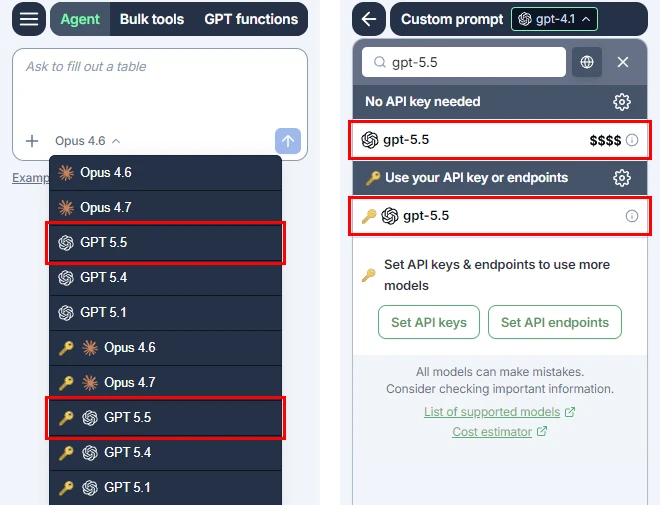
OpenAI GPT-5.5 



OpenAI GPT-5.5 is now available as an Agent model in GPT for Sheets and Excel, and as a bulk model in all GPT for Work add-ons, with or without an API key. GPT-5.5 is OpenAI's smartest model to date, building on the GPT-5.4 family with stronger reasoning and more polished results across real-world tasks.
Anthropic Claude Opus 4.7
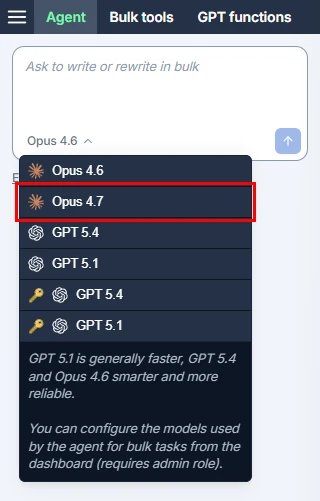
Anthropic Claude Opus 4.7 is now available as an Agent model in GPT for Excel, without an API key. Opus 4.7 handles complex, long-running tasks with rigor and consistency, pays precise attention to instructions, and devises ways to verify its own outputs before reporting back — making it a strong choice for demanding spreadsheet workflows.
✨ Agent skills
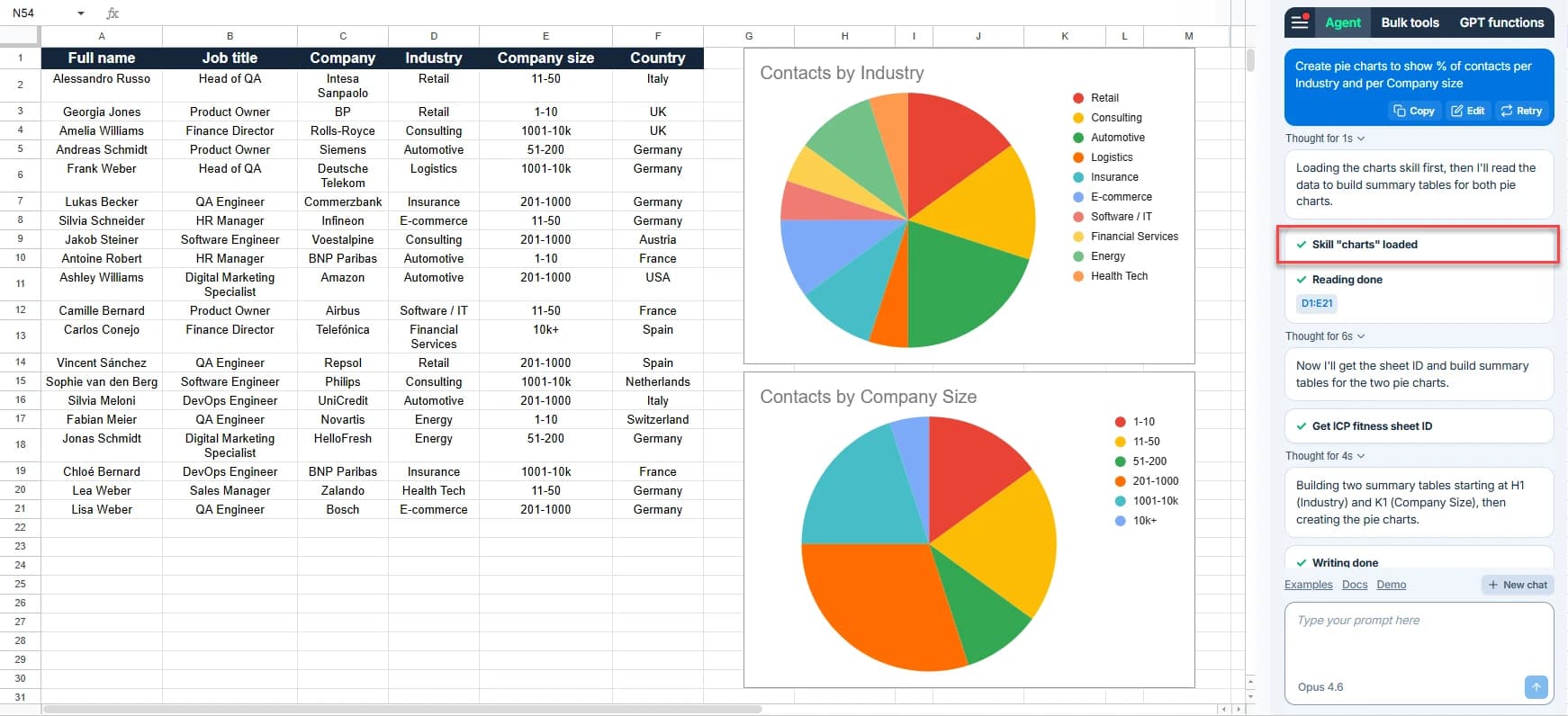
The Agent can now load specialized skills during a conversation to improve its results on specific tasks, such as creating charts or pivot tables. When a skill activates, you'll see a notification in the chat — so you always know when the Agent is bringing extra expertise to the task at hand.
📤 Export and copy Agent conversations
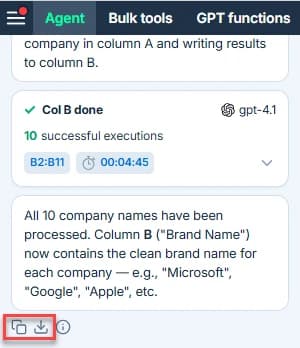
You can now export and copy your Agent conversations as HTML or Markdown from both GPT for Sheets and GPT for Excel. This makes it easy to share an Agent run with a teammate, archive it for reference, or paste it into your documentation.
🛠️ Agent reliability improvements
April brings a batch of polish to make Agent runs smoother and more dependable:
- Automatic retry on connection issues. The Agent now automatically retries the current task when a temporary connection issue occurs, so brief network interruptions no longer stop an Agent run.
- Lower token usage on large spreadsheets. Tool call output data sent to AI models is now compacted, reducing Agent token usage when working with large sheets.
- Clearer error for oversized requests. The Agent now shows a specific error message when the request is too large to process, instead of a generic
Something went wrongerror. - More reliable sidebar startup. If the Agent fails to initialize, the rest of the GPT for Sheets sidebar now loads normally, and you're prompted to sign in the next time you use the Agent — instead of seeing an unresponsive Agent panel.
⚡ Other improvements
- The deprecated Search the web screen has been removed from bulk tools in GPT for Sheets and Excel. You can still use web search by selecting a web search model with any bulk tool.
📖 To go further
Check out our resources to get the most out of GPT for Work:
- 📚 Step-by-step guides for Sheets, Excel, Word, and Docs
- 📖 Complete documentation — Find everything you need to know about GPT for Work!
- 📝 Our blog articles for e-commerce, SEO, and market research
- 📺 Our YouTube channel with video tutorials
- 📄 Release notes — Or read them directly in the add-ons!
- 🔧 Contact support — Need help? Reach out to our friendly team.