

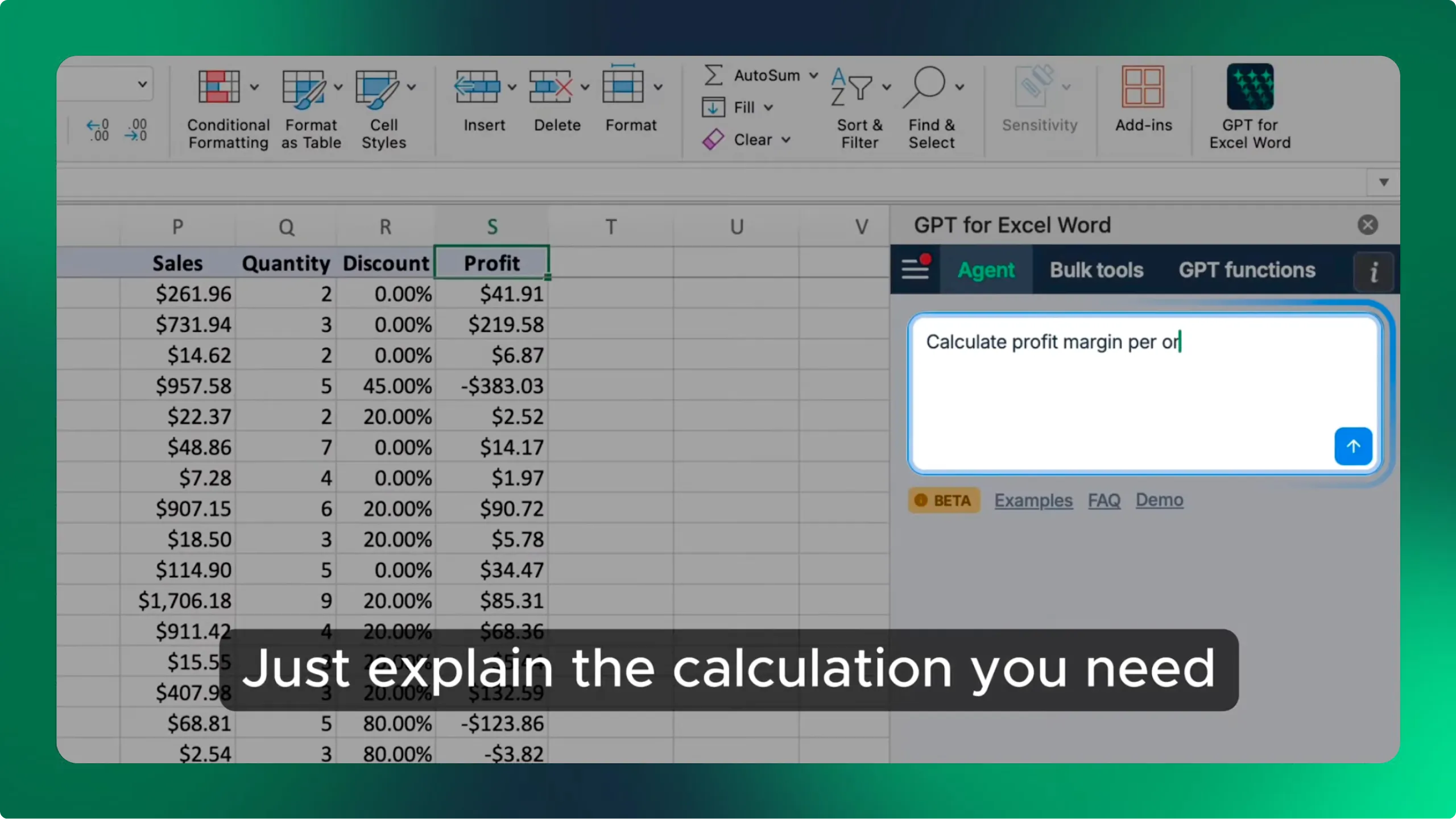
Free Excel formula generator
Generate spreadsheet formulas with AI in Excel or Google Sheets
GPT for Work enables AI-powered formula generation directly in spreadsheets. Create formulas using natural language instructions.
How the formula generator works
Pick Excel or Google Sheets, describe the result you want in plain English, and the tool sends your description to OpenAI's gpt-4o-mini model and returns one formula, syntax-highlighted and ready to copy. The dialect matters, which is why the choice is there: TEXTJOIN and LET behave differently across the two, and functions like QUERY and ARRAYFORMULA exist only in Sheets.
Write a request the model can answer
The generator sees your sentence and nothing else. It cannot see your workbook, so vague requests come back as formulas built on invented cell references. Descriptions that work name the columns and the shape of the data.
- Name the columns you want used, with their letters
- Say what the output should be, not what the steps are
- Give one concrete example of input and expected result
- State the edge case you care about, such as blanks or duplicates
- Mention the date or number format if it matters
What it cannot do
The instruction is capped at 1000 characters and each run returns a single formula. The tool cannot read your data, so it cannot check that a range exists, cannot tell you why a formula returns #REF! in your own sheet, and cannot fix or explain a formula you already have. It also has no memory between runs, so refining a result means rewriting the whole description.
Working inside the spreadsheet removes those limits, because the assistant can see the sheet it is writing for. That is the difference the table below sets out.
Free generator vs. the assistant inside your spreadsheet
GPT for Excel and GPT for Sheets put the same AI inside the workbook, where it can generate, fix, and explain formulas against your actual data.
| Capability | This free generator | GPT for Excel or Sheets |
|---|---|---|
| Generates a formula | Yes | Yes |
| Fixes a broken formula | No | Yes |
| Explains an existing formula | No | Yes |
| Sees your sheet and its columns | No | Yes |
| Writes the formula into the cell | No, copy and paste | Yes |
| Follow-up refinement | No, rewrite the description | Yes, keeps context |
| Instruction length | Up to 1000 characters | Conversational, no fixed cap |
| AI model choice | Fixed, gpt-4o-mini | OpenAI and Anthropic built in, more with your own API key |
| Setup | None, and no sign-in | Install the add-in or add-on |
| Cost | Free | Free trial, then a subscription from $25/month |
Always check a generated formula against a few known rows before you trust it across a column.
Frequently asked questions
- Is this Excel formula generator free?
- Yes. No account, no credit card, and no API key. We cover the model cost, which is why each run returns a single formula from an instruction of up to 1000 characters.
- Does it work for Google Sheets too?
- Yes. Switch the dropdown from Excel to Google Sheets and the request is generated for Sheets syntax instead, which matters for functions such as QUERY, ARRAYFORMULA, and FILTER that differ between the two.
- Why does the formula reference the wrong cells?
- The generator cannot see your workbook, so it guesses ranges from your description. Name the actual columns, for example "amounts in column C, dates in column A", and the references will match your sheet.
- Can it explain or fix a formula I already have?
- Not here. This tool only generates new formulas from a description. Fixing and explaining existing formulas needs the assistant inside the spreadsheet, in GPT for Excel or GPT for Sheets.
- Is it possible to check for errors in my spreadsheets directly?
- Yes, with GPT for Excel or GPT for Sheets. The assistant works inside the workbook, so it can see both your formulas and your data. Ask it why a formula returns an error and it will explain and fix it, or run it over a column to flag inconsistent casing, stray punctuation, mismatched date formats, and duplicates. This free generator cannot do any of that, because it never sees your sheet.
- Which AI model generates the formulas?
- OpenAI's gpt-4o-mini, prompted to answer with a spreadsheet formula for the platform you selected.
- Is the formula guaranteed to work?
- No. It is a first draft. The model does not run the formula or see your data, so test it on rows where you already know the answer before filling it down a whole column.
Get formula help where your data lives
GPT for Excel and GPT for Sheets generate, fix, and explain formulas inside the workbook, against the columns you actually have.