

Free AI meta description generator
0/1500 characters
0/100 characters
Rewrite meta descriptions in bulk in Google Sheets or Excel
GPT for Work writes SEO meta titles and descriptions straight into the sheet, a thousand rows at a time, from one set of instructions.
How the meta description generator works
Describe the page in a sentence or two, add the keyword you want to rank for if you have one, and the tool sends that to OpenAI's gpt-4o-mini model and returns 3 description options. Each one comes with a live character count so you can see at a glance which will survive the search results, and a copy button so you can paste it straight into your page head.
Nothing is stored and there is no sign-up. The keyword field is optional, but the descriptions get noticeably sharper when you fill it in, because the model then has an anchor to build the phrasing around.
A search result has two lines, and this page writes the second one. Pages need a title tag as well, and the free SEO title generator is the same tool for that line, so the two together work as a meta title and description generator for the pages you are rewriting.
Write an input the model can work from
The generator sees your description and nothing else. It cannot open your URL, so a one-word topic comes back as a sentence that would fit a thousand pages. Say what the page is, who it is for, and which facts on it a searcher could check.
- Name the topic in the words a searcher would type, not an internal product name
- Say who the page is for, such as freelancers, accountants, or first-time buyers
- List the concrete details worth showing: price, format, location, turnaround
- State the action the page offers, such as download, book, compare, or buy
- Add the target keyword, and expect it worked into every option
How long should a meta description be?
Google truncates a meta description at roughly 155 to 160 characters, which is about 600 pixels of rendered text. Past that the tail is replaced with an ellipsis, so anything you cared about at the end is gone. The counter under each result turns amber once an option crosses 155 characters.
Pixels, not characters, are what actually get measured, so a line heavy with capitals and wide letters can be cut earlier than the count suggests. Put the point in the first half of the sentence, and treat landing slightly under the cutoff as better than cramming, because a description clipped mid-word loses the reason to click.
Meta description examples, weak and better
Most weak descriptions fail the same way. They spend the line on adjectives about the company instead of facts about the page, which leaves a searcher nothing to check.
- Product page, wireless earbuds. Weak: “Buy the best wireless earbuds online at unbeatable prices. Great selection, fast shipping, shop now!” Better: “Wireless earbuds with 8 hours of battery, IPX4 water resistance, and a 2-year warranty. Compare six models and order by 5pm for next-day delivery.” The second one is 146 characters, leads with the keyword, and gives three facts a shopper can compare instead of claiming to be the best.
- How-to article, removing duplicates in Excel. Weak: “In this article we discuss how to remove duplicates in Excel, along with other useful Excel tips and tricks for beginners and advanced users.” Better: “Remove duplicates in Excel in three clicks, with screenshots for Windows and Mac, plus a formula that flags duplicates without deleting any rows.” At 145 characters it opens with the verb the searcher used and names what the page contains, so the promise is checkable.
- Local service page, emergency plumber. Weak: “We are a family owned plumbing company committed to excellence and customer satisfaction. Call us today for all your plumbing needs.” Better: “Emergency plumber in Leeds, on site within 60 minutes, 24 hours a day. Fixed call-out fee, no weekend surcharge. Call now for a same-day slot.” 142 characters, with the city in the keyword position, a response time instead of an adjective, and one clear next step.
What it cannot do
It cannot crawl a URL or see your site. You paste a summary and it works from that alone, so anything you leave out cannot appear in the output. It handles one page per run, with the summary capped at 1500 characters, and it keeps no memory between runs, so refining an option means editing the summary and generating again.
It also cannot decide what Google shows. Google rewrites meta descriptions it judges unhelpful for a given query, often pulling a sentence from the page body instead. A specific, accurate description raises the odds yours is the one displayed, but nothing guarantees it.
Rewrite meta titles and descriptions in bulk
One page at a time is fine for a landing page. It is the wrong unit of work for a site audit that flagged hundreds of URLs, because the bottleneck is not writing any single description but getting through the list.
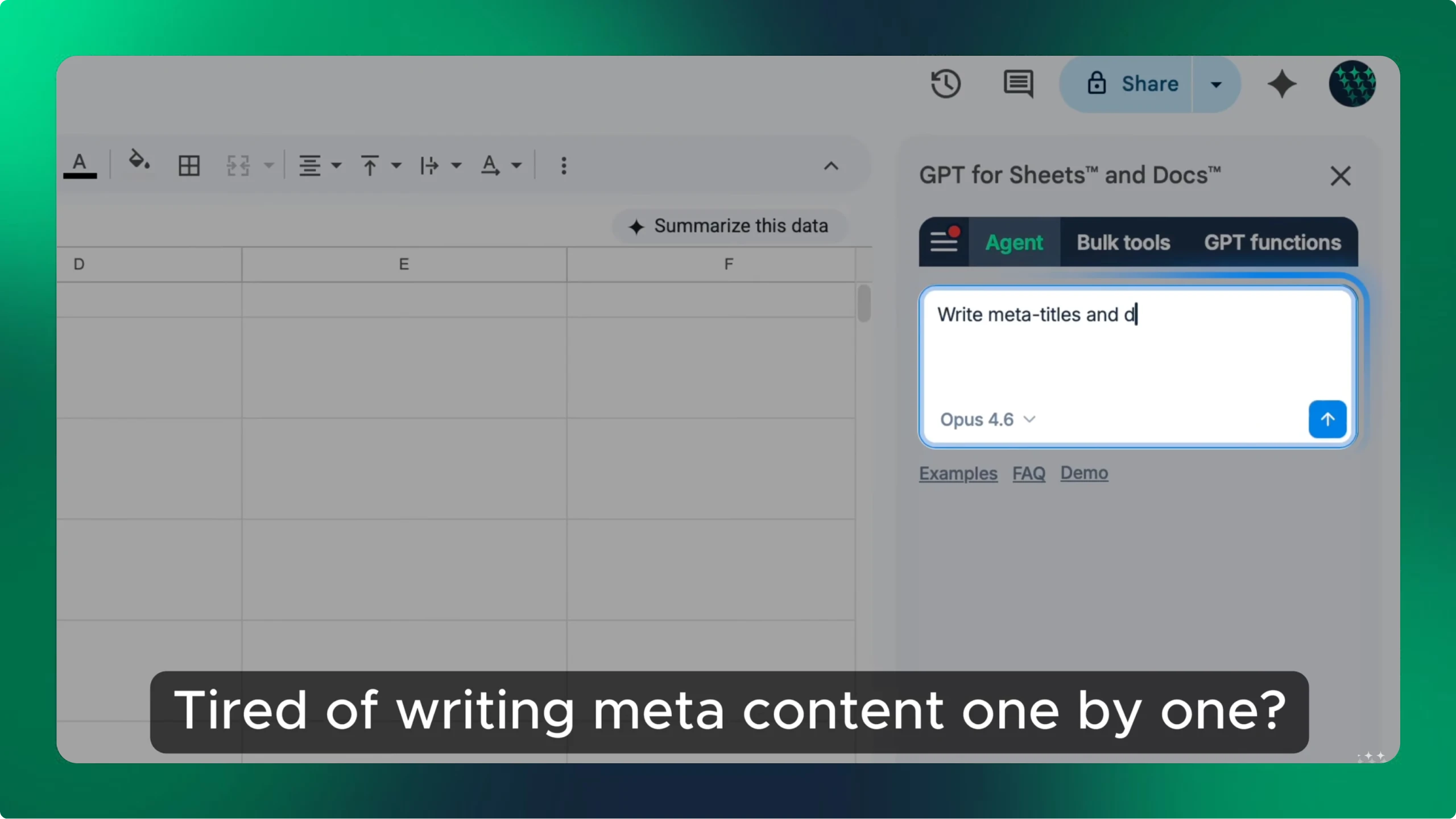
GPT for Work does that inside a spreadsheet: GPT for Sheets and GPT for Excel take your pages in one column and your target keywords in the next, and a GPT formula filled down turns bulk meta description generation into one pass over the sheet. The same instructions apply to every row, and each draft sits next to the page it belongs to for review before you publish. It is also how you rewrite meta titles and descriptions in bulk without visiting a tool once per URL.
Frequently asked questions
- Is this meta description generator free?
- Yes. No account, no credit card, and no API key. We cover the model cost, which is why the input is capped at 1500 characters per run.
- How long should a meta description be?
- Aim for 140 to 155 characters. Google truncates descriptions at around 155 to 160 characters, or about 600 pixels of rendered text, so anything longer risks being cut mid-sentence.
- Does Google always use your meta description?
- No. Google often rewrites descriptions from the page content, especially when the query does not match what you wrote. A specific, relevant description raises the odds yours is the one used.
- Can it write meta titles too?
- Not on this page. Use the free SEO title generator at gptforwork.com/tools/seo-title-generator, which takes the same input and returns title options sized for the title tag instead.
- Can I generate meta descriptions in bulk in a spreadsheet?
- Yes, with GPT for Work in Google Sheets or Excel. List your pages and target keywords in columns, write the instruction once in a GPT formula, and fill it down to draft every description in one pass.
- Which AI model writes the descriptions?
- OpenAI's gpt-4o-mini, prompted to return 3 distinct options that stay under 155 characters and work your target keyword in naturally.
Rewrite descriptions for a whole site, not one page
GPT for Sheets and GPT for Excel run the same AI down a column, so a description rewrite across your whole URL list is one formula filled down instead of hundreds of visits to a tool.