

Bulk AI for SEO content busywork
Bulk generate meta-titles and descriptions, headers, FAQs, image alt texts, and moredirectly in your spreadsheets (Excel or Google Sheets),
at a speed of up to 1,000 rows per minute






Your product is exactly what I’ve been asking my CTO to build for the past year.manawa.com
Thanks to GPT for Work, I was able to quickly rework my 1,000 winter activities on short notice, that’s amazingmanawa.com
Your product can absolutely save weeks, even monthsfansbrands.com
This is the most noble version of an agent I’ve seentruemed.com
Scale your SEO content with the only AI agent that can generate SEO-optimized content, based on relevant keywords, in all languages — all in bulk, directly in Sheets or Excel.
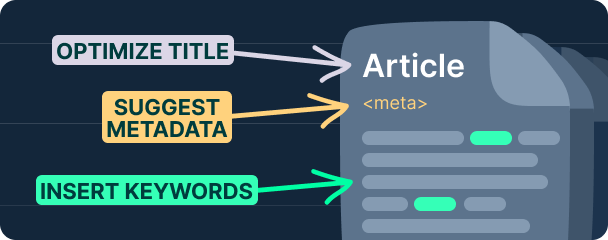
Generate meta titles and descriptions in bulk
Write meta titles and descriptions for all landing pages in bulk, respecting SEO best practices like character count and target keyword inclusion.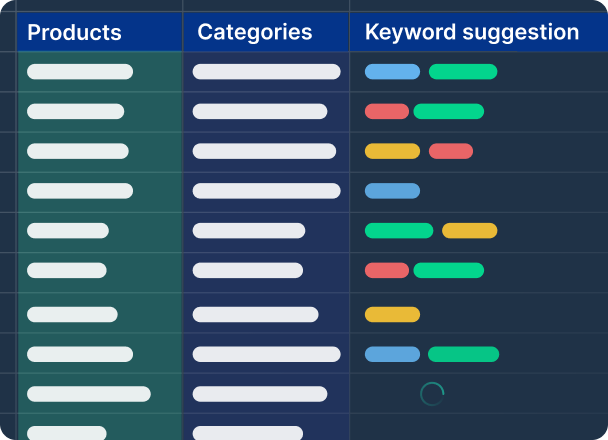
Generate alt texts for all your images
Optimize SEO by adding alt texts to all images, using titles, descriptions, or images themselves as sources via GPT for Work's vision capability.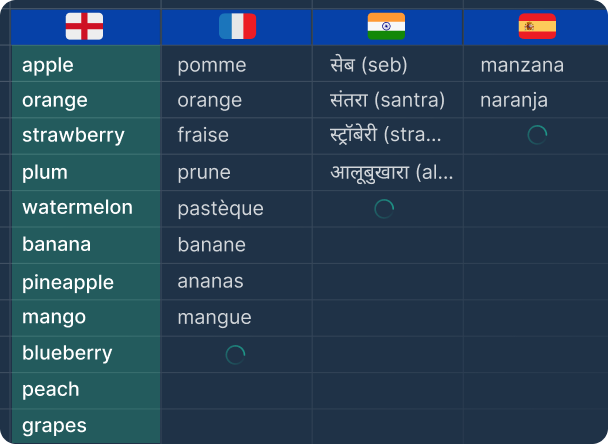
Rewrite content with relevant keywords in bulk
Embed SEO keywords into product content (titles, descriptions, …) in bulk to maximize page visibility for target queries.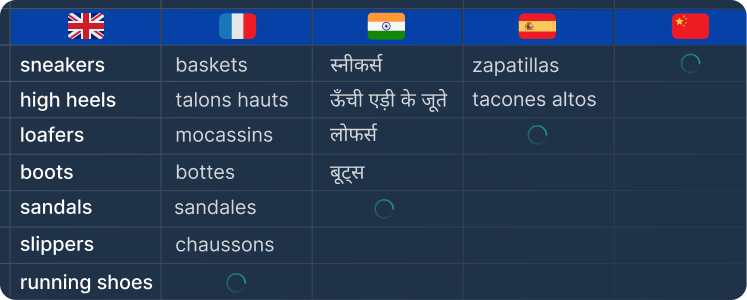
Localize all keywords into target languages
Localize all keywords into target languages in bulk, ensuring they are culturally and locally adapted, not just translated.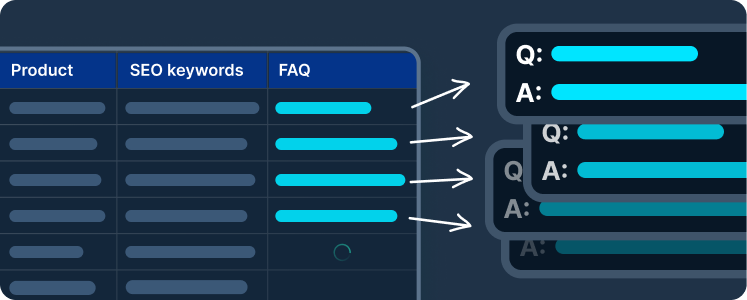
Create FAQ and expert advice in bulk
Boost product page SEO by adding new text blocks (FAQ, expert advice) containing each landing page's target keyword.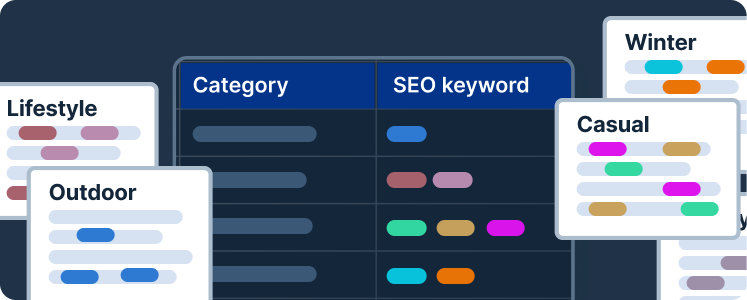
Create category page descriptions in bulk
Generate descriptions for all category pages to boost SEO by targeting broader, high-volume "headtail" SEO keywords.Why an AI chat assistant isn't enough for bulk work in Excel and Google Sheets
You have thousands of rows in a spreadsheet and one instruction you want applied to every one of them.
Any AI chat tool can do that once. Doing it on every row is a different job: it needs retries when a request fails, answers that land in the right rows, and a run you can watch and stop.
GPT for Work is built for that second job, in Google Sheets and Microsoft Excel, on the rows you already have.
Fast and reliable bulk processing in Sheets and Excel:
Fast
Up to 1,000 rows / minute
Reliable at scale
Up to 1 million rows with one bulk run
Easy to use
- No prompting skills required
- Write column-specific instructions
- Monitor progress in real time
Bulk web search, bulk image analysis, flexible AI choice:
Search the web in bulk
One search per cell
Analyze images in bulk
Use vision models to analyze images from URLs and extract key information
Configure your AI setup
- Choose your AI providers
- Configure custom API keys and endpoints
- Select available models for your team
Enterprise ready:
Top-notch support
- 98% CSAT
- Professional people who love their job
- No annoying AI chatbot
Private & Secure
- ISO 27001 certified, GDPR compliant
- We don't use your data to train models
- Encryption in transit, at rest, at work
Easy admin
- User management
- Centralized billing
- Centralized AI configuration
- Detailed reporting
Powered by your AI of choice:(on-premise LLMs possible)


