

Free AI SEO title generator
0/1500 characters
0/100 characters
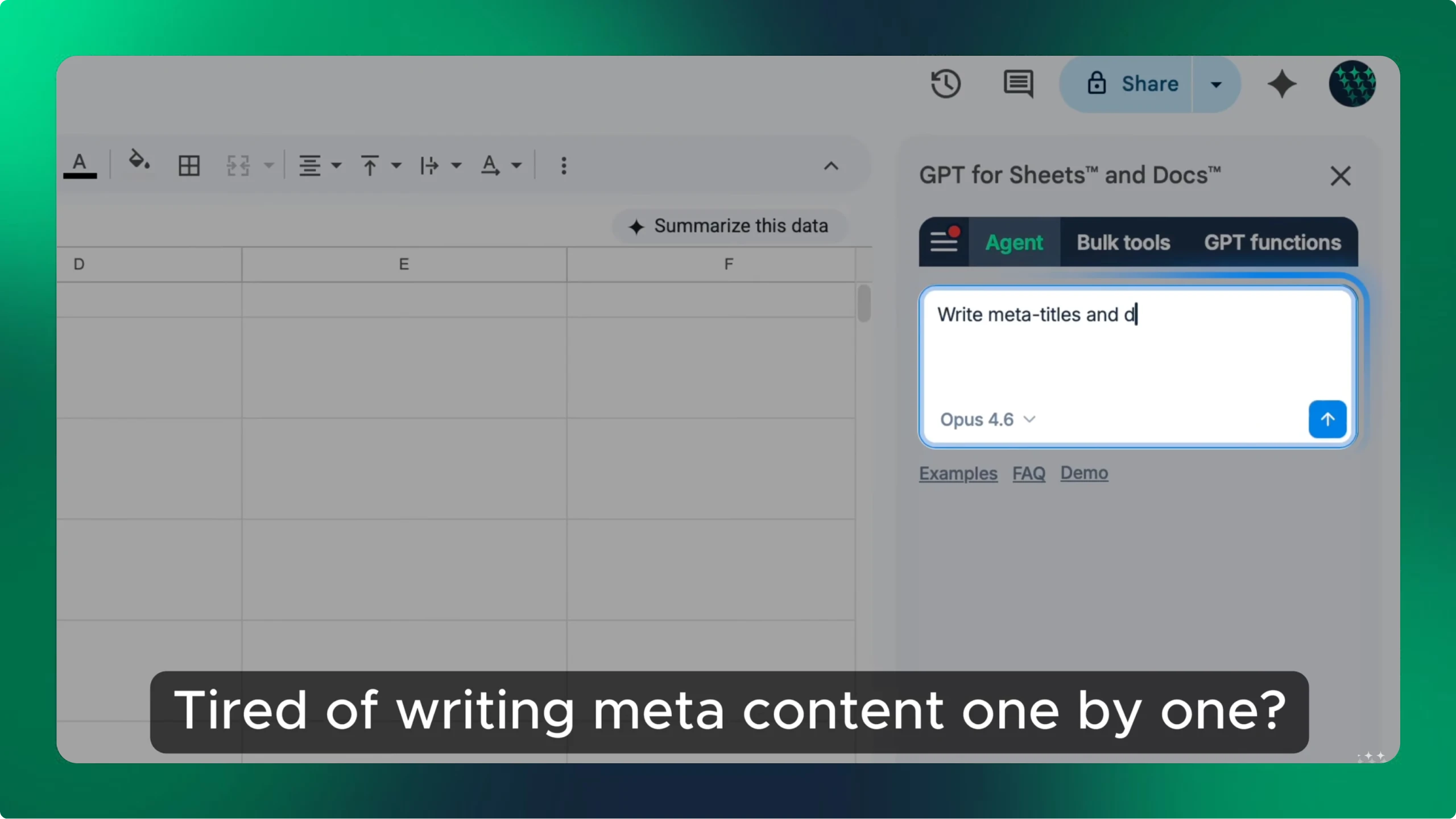
Rewrite meta titles in bulk in Google Sheets or Excel
GPT for Work writes SEO meta titles and descriptions straight into the sheet, a thousand rows at a time, from one set of instructions.
How the SEO title generator works
Describe the page in a sentence or two, add the keyword you want to rank for if you have one, and the tool sends that to OpenAI's gpt-4o-mini model and returns 3 title options. Each one comes with a live character count so you can see at a glance which will survive the search results, and a copy button so you can paste it straight into your CMS.
Nothing is stored and there is no sign-up. The keyword field is optional, but the titles get noticeably sharper when you fill it in, because the model then has an anchor to build the phrasing around.
Write an input the model can work from
The generator sees your description and nothing else. It cannot open your URL, so a one-word topic comes back as a generic title that would fit a thousand pages. Say what the page is, who it is for, and what makes it different from the other results on that query.
- Name the topic in concrete terms, not a category label
- Say who the page is for, such as beginners, agencies, or finance teams
- Mention the format, such as guide, comparison, template, or pricing page
- Add the target keyword, and expect it near the front of the title
- Include the number or year if the page genuinely has one
How long should a title tag be?
Google truncates a title tag at roughly 600 pixels, which works out to about 60 characters for most text. Past that the tail is replaced with an ellipsis, so anything you cared about at the end is gone. The counter under each result turns amber once an option crosses that line.
Pixels, not characters, are what actually get measured, so a title full of capitals and wide letters can be cut earlier than the count suggests. Treat 60 as a working ceiling rather than a hard rule, put the important words first, and leave room for the site name if your CMS appends one to every meta title.
SEO title examples, weak and better
Most weak title tags fail in one of three ways. They bury the keyword, they run past the truncation point, or they promise something the page does not deliver.
- Keyword placement. “Everything Our Team Has Learned About Product Description Examples” buries the phrase at character 48. “Product description examples: 24 that convert” leads with it and reads faster in a scan.
- Length. “The Complete Beginner's Guide to Writing Meta Titles and Descriptions for Ecommerce Category Pages” is 112 characters and will be cut mid-phrase. “Meta titles for ecommerce category pages” is 41 and survives intact.
- Specificity over hype. “You Won't Believe These SEO Secrets” wins nothing on a query nobody types. “Technical SEO audit checklist for Shopify stores” names the task, the artefact, and the platform.
SEO titles vs blog headlines
This tool writes title tags, the line that appears as the clickable result in Google and in the browser tab. That is a different job from the headline at the top of your article, which is read by someone who has already arrived and can afford to be playful. A title tag is read by someone scanning ten results in two seconds, competing for attention against nine other lines that all mention the same keyword. Clarity beats cleverness there, which is why the options here lean descriptive. If you want a punchy on-page headline, write that separately.
What it cannot do
The description is capped at 1500 characters and each run handles one page. The tool cannot crawl your URL, see what you currently rank for, or look at the titles your competitors use on that query, so it works from your description alone. It has no memory between runs either, so refining an option means editing the description and generating again.
It also cannot force Google's hand. Google rewrites title tags it judges to be keyword-stuffed, boilerplate, or a poor match for the query, and often substitutes an on-page heading instead. A clear, accurate title tag makes a rewrite less likely, but nothing guarantees the one you write is the one that shows.
Writing titles for hundreds of pages
One page at a time is fine for a landing page. It is the wrong shape of work for a 400-URL catalogue or a content audit that flagged every thin title on the site. For that, export the URLs and their current titles to a spreadsheet and run the prompt down the column.
GPT for Work does exactly that inside Google Sheets and Excel. Put your page topics in one column, your target keywords in the next, and fill a GPT formula down the sheet to rewrite meta titles and descriptions in bulk, hundreds of rows at a time, with the same instructions applied consistently to every one.
Frequently asked questions
- Is this SEO title generator free?
- Yes. No account, no credit card, and no API key. We cover the model cost, which is why each run returns 3 options from a page description of up to 1500 characters.
- How long should an SEO title be?
- About 60 characters. Google truncates at roughly 600 pixels of rendered text, which lands near 60 characters for a typical mix of letters. Put the words that matter first so a truncation costs you nothing important.
- What is the difference between an SEO title, a title tag, and a meta title?
- They are three names for the same thing: the text inside the HTML title element, which Google shows as the clickable line in search results and browsers show in the tab. SEO tools tend to say SEO title, developers say title tag, and CMS fields often say meta title. This tool writes that one line.
- Does Google always use the title tag you write?
- No. Google rewrites titles it considers unhelpful for the query, most often when they are keyword-stuffed, identical across many pages, or much longer than the space available. It usually substitutes an on-page heading or anchor text. Writing a specific, accurate title that matches what the page delivers is the best way to keep your own version.
- Can I generate SEO titles in bulk in a spreadsheet?
- Yes, with GPT for Work in Google Sheets or Excel. List your pages and target keywords in columns, write the instruction once in a GPT formula, and fill it down to rewrite meta titles and descriptions across hundreds of rows in one pass.
- Which AI model writes the titles?
- OpenAI's gpt-4o-mini, prompted to return 3 distinct title tags that stay under 60 characters and lead with your target keyword.
Write titles for a whole site, not one page
GPT for Sheets and GPT for Excel run the same AI down a column, so a title rewrite across your whole URL list is one formula filled down instead of hundreds of visits to a tool.