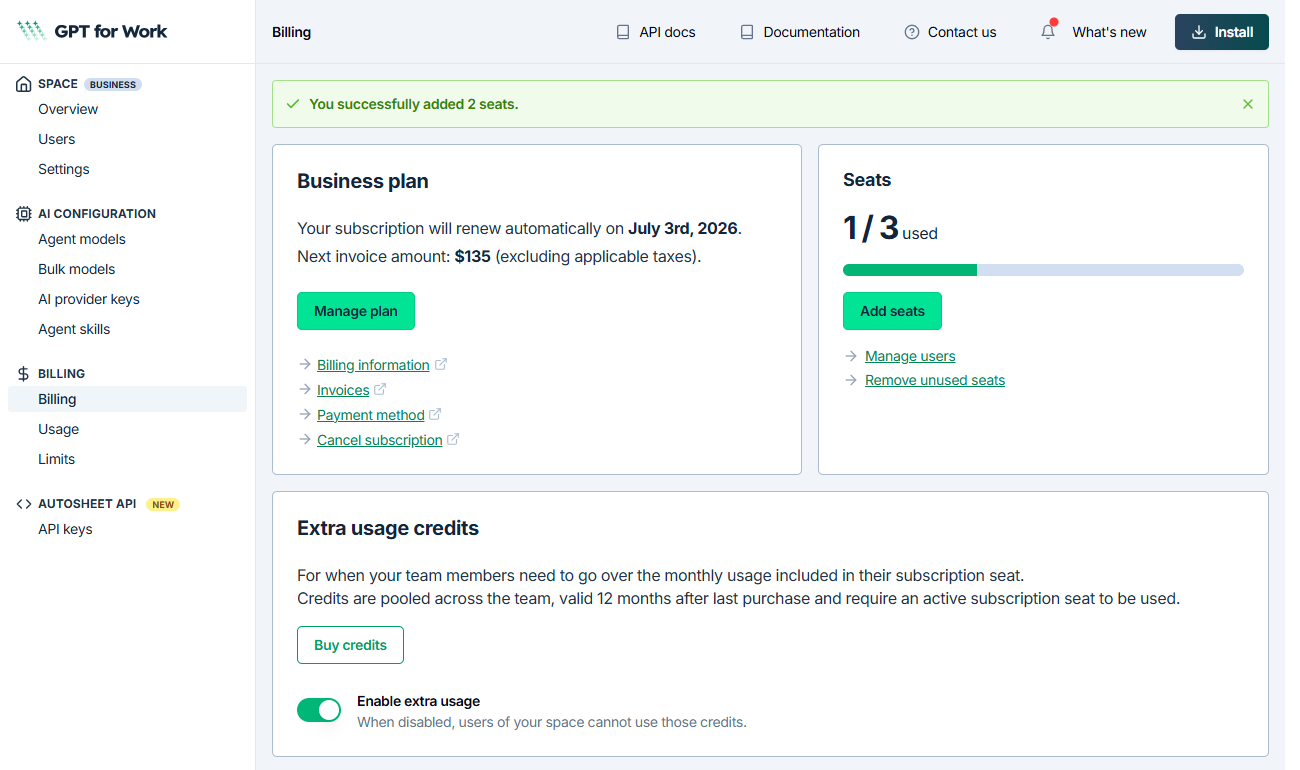
Add seats
New seats are available immediately. You are charged a prorated amount for the remainder of the current billing cycle, and the new seats receive prorated monthly quota for the same period.
Prerequisite
- Only the space owner or a space admin can manage seats.
- This feature is available on Business and Enterprise plans.
-
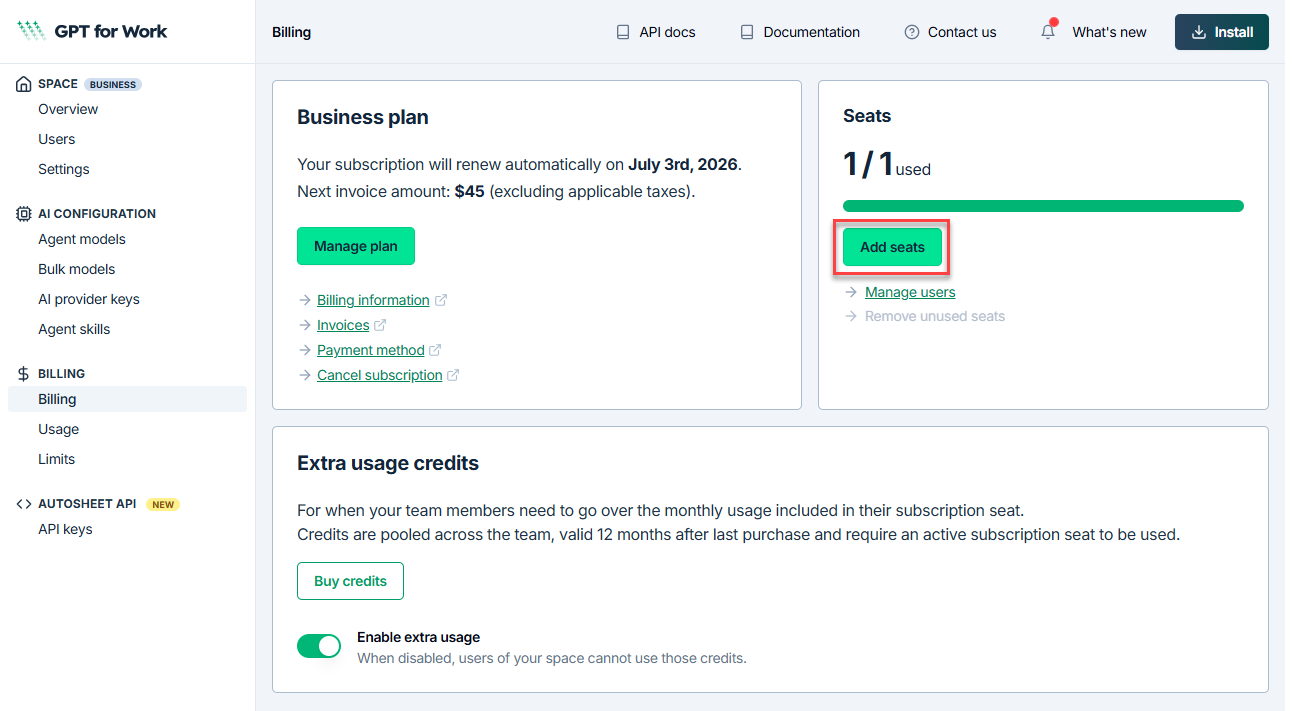
Open the GPT for Work dashboard and click Billing in the left sidebar.
-
On the Billing page, click Add seats.
-
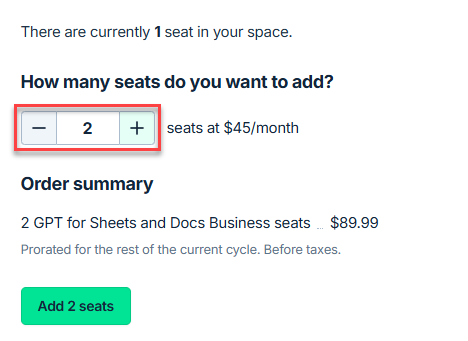
Select the total number of seats you need. The page shows a preview of the prorated charge.
-
Click Add seats.
Your new seats are immediately available. The dashboard confirms the updated seat count and billing details.