Pause extra usage
Pausing usage stops extra-usage credits from being consumed. Each seat's monthly quota is unaffected.
-
Sign in to the GPT for Work dashboard with the account that you use for your space.
-
In the sidebar, select Billing.
-
In the Extra usage credits section, use the toggle to disable extra credit usage.
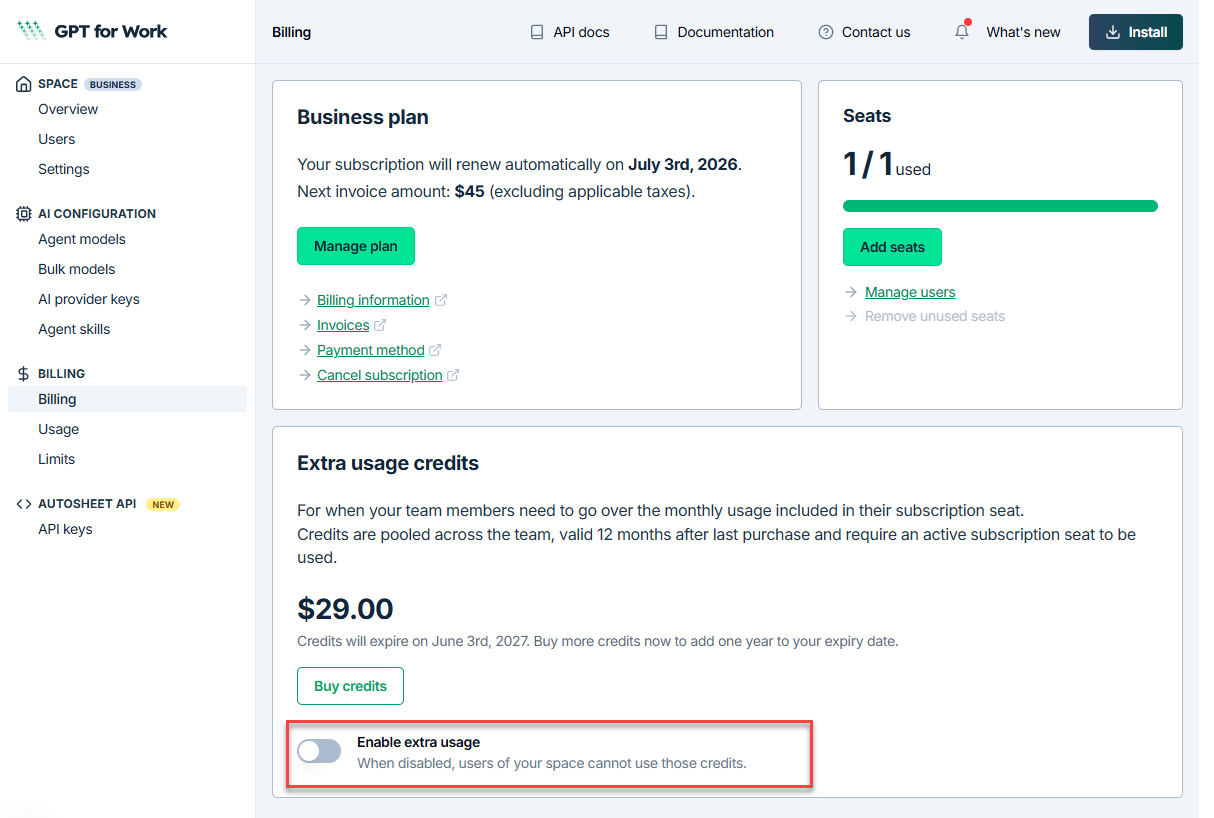
Extra credit usage is paused immediately. Re-enable the toggle at any time to resume.