Every AI data cleaning tool promises the same three fixes. Duplicates removed, formats standardized, messy text repaired. Read the product pages side by side and you can barely tell them apart.
The differences only show up when you look at how each one actually works. Some clean your spreadsheet in place. Some make you upload a copy and download the result. Some are not AI at all — they are rule engines with a fresh coat of marketing.
That last part matters more in this category than most. Plenty of "AI data cleaning tools" lists are padded with ETL platforms that ask you to define every rule yourself. Useful software, but if you wanted to write rules, you would not be shopping for AI.
So this list is split honestly: 6 tools where AI does the cleaning, ranked, and 2 non-AI baselines — Power Query and OpenRefine — that any AI tool has to beat before it earns a subscription.
Every capability and price below was checked against the vendor's own site in August 2026. Where we have not run a tool on real data ourselves, the assessment is based on its documented capabilities and product demos, and vendor benchmark numbers are labeled as vendor claims.
Compare the 6 AI Data Cleaning Tools
Short on time? Here is the whole list, including the two non-AI baselines at the end.
Tool | Works with | Type | Best for | Starting price |
|---|---|---|---|---|
GPT for Work | Excel + Google Sheets | AI agent add-in | Cleaning in place, from one sheet to a million rows | Free to install; plans from $25/mo |
Microsoft Copilot | Excel only | Built-in AI assistant | Quick fixes without installing anything | Add-on from $18/user/mo + Microsoft 365 |
Gemini in Sheets | Google Sheets only | Built-in AI assistant | Sheets-native fixes with the AI function | Included with eligible Workspace plans |
Numerous.ai | Excel + Google Sheets | AI formula add-in | Cell-level cleanup with a drag-down formula | $10/mo billed yearly ($1 trial) |
Zoho DataPrep | Standalone; imports XLSX/CSV | AI data-prep platform | Recurring cleaning pipelines from many sources | Free tier; $40/mo billed annually |
WinPure | Standalone desktop; imports XLSX/CSV | AI-assisted data quality suite | On-premises deduplication of customer records | $185/user/mo billed annually |
Power Query | Excel + Power BI | Non-AI baseline (rules) | Repeatable rule-based cleanup | Included with eligible Excel plans |
OpenRefine | Standalone; imports XLSX/CSV | Non-AI baseline (open source) | Free local cleanup and duplicate clustering | Free and open source |
The 2 Types of AI Data Cleaning Tools (And Which One You Need)
Before comparing features, settle the question that decides everything else: does the tool work on your file, or on a copy of it?
1) AI tools that clean your spreadsheet in place
These live inside Excel or Google Sheets. You describe the cleanup — or point a formula at a column — and the corrections land directly in your cells. No export, no re-import, no version confusion.
GPT for Work, Microsoft Copilot, Gemini, and Numerous.ai work this way, with very different depth. GPT for Work runs a full agent that plans and executes multi-step cleanups. Copilot is Excel's built-in assistant with a dedicated Clean Data feature; Gemini is its Google Sheets counterpart.
2) Standalone platforms that clean a copy
These sit outside your spreadsheet. You import a file or connect a source, clean it in their interface, and export the result back. The round trip costs you convenience, but you gain things spreadsheets are bad at: repeatable pipelines, scheduled runs, and audit trails.
Zoho DataPrep and WinPure work this way — Zoho DataPrep as a hosted platform you use in the browser, WinPure as desktop software you install on your own machines. Both make sense when cleaning is a recurring job — the same messy export landing on your desk every Monday — rather than a one-off rescue.
The two non-AI baselines at the end of this list, Power Query and OpenRefine, are worth knowing either way. A surprising share of cleaning work is rule-shaped, and these are the tools the AI products have to beat.
6 AI Data Cleaning Tools, Ranked by What They Actually Do
The ranking below applies the same criteria to every tool: which spreadsheets it works with, how much of the cleaning job it covers, whether it works in place or on a copy, how reviewable the changes are, how it handles scale, and what it costs to start.
1. GPT for Work
Best for: Cleaning data in place, in Excel or Google Sheets, at any size
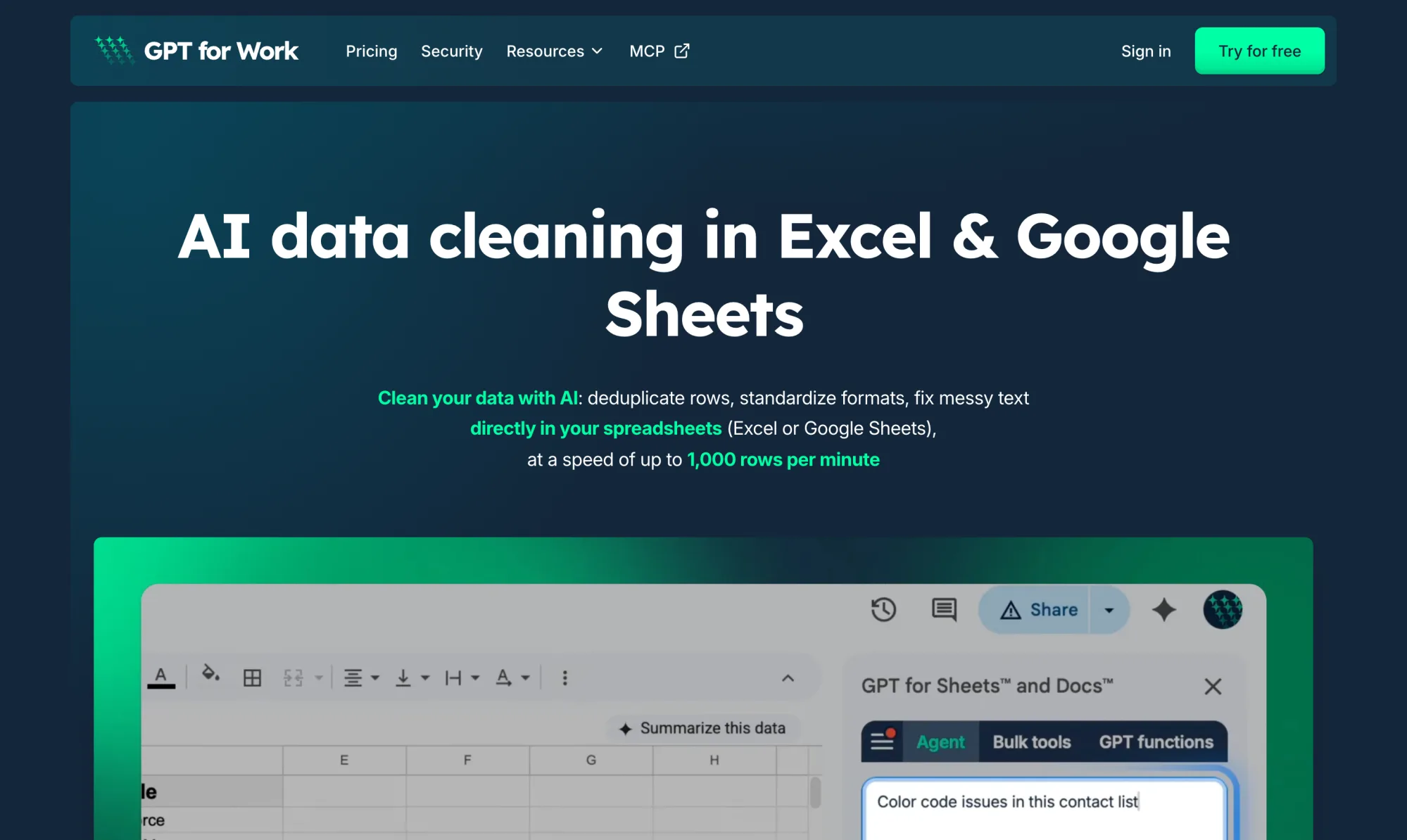
GPT for Work installs as an add-in for Excel and Google Sheets and opens an agent panel next to your data. You describe the cleanup in plain English, and the agent reads your sheet, plans the work, and writes the corrections back into your cells.
Say you have a lead list with 1,000 rows of inconsistent company names, typos, and repeated contacts. You type:
"Fix casing and typos in Full Name and Email, remove legal suffixes from Company, then flag near-duplicate rows by email or name + company."
The agent writes the cleaned values next to your originals, highlights every cell it fixed, and lists the duplicates it caught — including fuzzy matches like "SALESFORCE INC" and "Salesforce, Inc." that exact-match tools miss. AI data cleaning runs at up to 1,000 rows per minute, and a single bulk run covers up to 1 million rows in Excel.
Speed holds up under measurement. Our own benchmark, run in March 2026 across 7 typical spreadsheet tasks, timed GPT for Work at 16 seconds on average. Claude came in at 50 seconds and Copilot at 1 minute 57 seconds.
For step-by-step walkthroughs, see how to clean data in Excel for outreach — the full lead-list workflow above — or how to highlight duplicates in Google Sheets.
What it does well
-
The whole cleaning job: Deduplicating with fuzzy matching, standardizing names, phone numbers, addresses, and dates, fixing casing, typos, and leftover HTML — described once, applied down the column.
-
Bulk scale: Up to 1,000 rows per minute, and up to 1 million rows in a single Excel run. No other tool on this list combines in-place cleaning with that scale.
-
Reviewable output: Cleaned values land in new columns with changed cells highlighted, so you compare before and after instead of trusting a black box.
-
Works in both apps: Excel and Google Sheets. Every other AI tool here covers one, or makes you leave your spreadsheet.
-
Security you can check: ISO 27001, GDPR, SSO, and zero data retention. Your data never trains a model.
Where it falls short
-
Not a pipeline platform: It cleans on demand inside your sheet. For scheduled multi-source pipelines, a platform like Zoho DataPrep is the better shape.
-
Extra usage takes tracking: Past the monthly quota, cost varies with the job. You can set extra-usage limits, but heavy bulk runs need an eye on the balance.
Pricing: Free to install with free starting credits. Then a monthly subscription from $25 with usage included; extra-usage credits are pooled across your team and valid 12 months.
2. Microsoft Copilot in Excel
Best for: Microsoft 365 users who want AI cleanup without installing anything
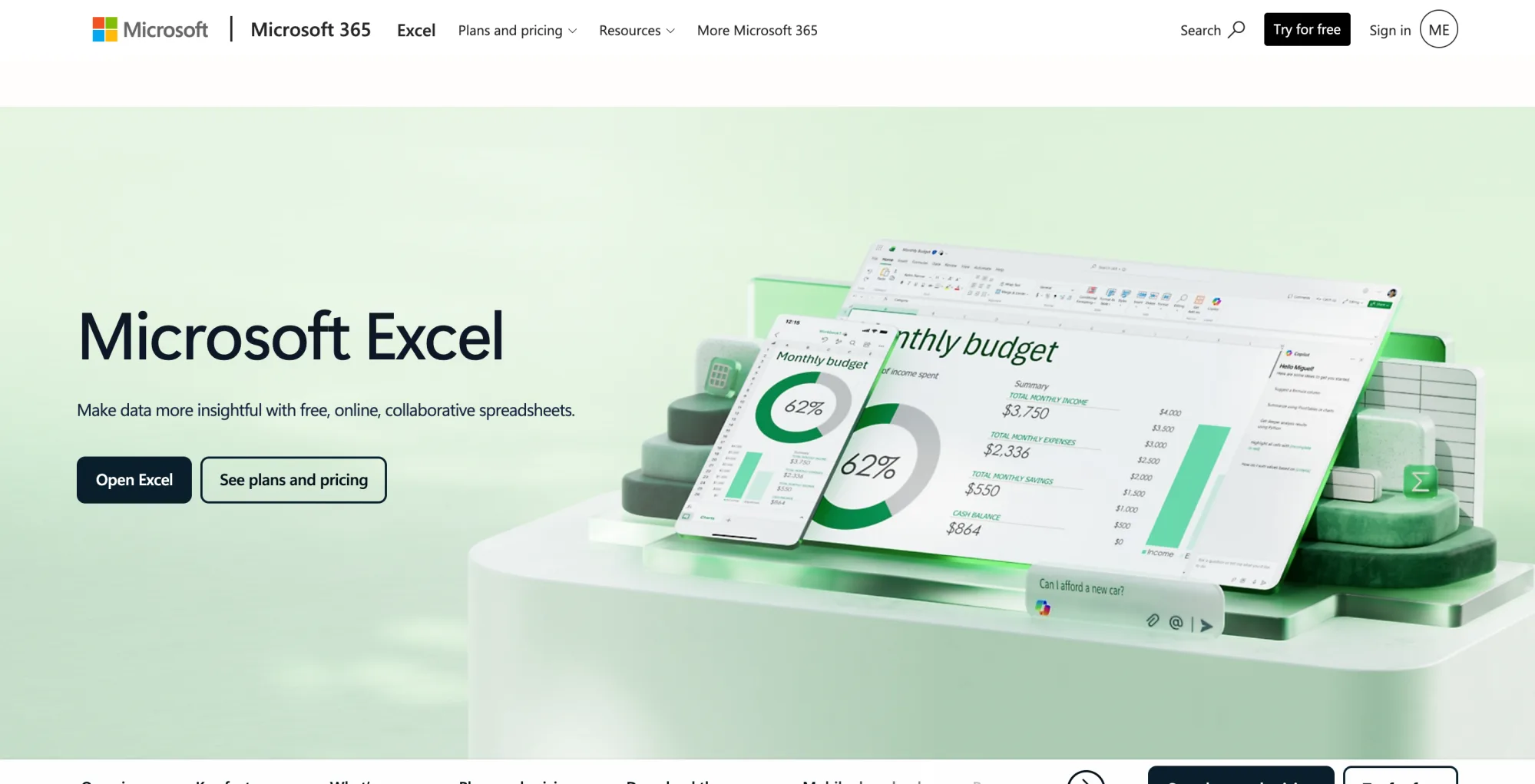
Copilot is built into Excel, and data cleaning is one of the few jobs where it has a dedicated feature. Clean Data, in the Data tab, scans a table and flags three kinds of problems: inconsistent text like mixed casing, numbers stored as text, and stray spaces. Each finding comes with a one-click fix.
Beyond Clean Data, Copilot's agent mode ("Edit with Copilot") takes multi-step instructions and edits the workbook directly, which covers messier requests than the three built-in checks.
The limits are the usual Copilot ones. Microsoft documents Clean Data as working best on tables up to 100 columns and 50,000 rows, performing best in English, and rolling out gradually — it reached Excel for the web and Windows first. There is no bulk row-by-row processing, so classifying or rewriting thousands of rows one at a time is not what this is for. And it only works in Excel, not Google Sheets.
What it does well
-
Zero setup: No add-in to install or approve. Clean Data sits in the ribbon you already have.
-
One-click fixes: Casing, numbers-as-text, and extra spaces are exactly the errors that break pivot tables, and Copilot finds them for you.
-
Agent mode for the rest: Multi-step edits in plain language, directly in the workbook.
Where it falls short
-
No bulk processing: It cannot apply a prompt down thousands of rows.
-
Rollout roulette: Clean Data availability depends on your platform and update ring, and Microsoft says it performs best in English for now.
-
Excel only: No Google Sheets support.
Pricing: Copilot Chat-eligible Microsoft 365 business and enterprise plans include standard access, subject to service capacity. The full experience — priority access, advanced reasoning, and model choice — requires a Microsoft 365 Copilot license on top of a Microsoft 365 subscription: $30/user/month for enterprise plans, or the Business add-on currently at $18/user/month billed yearly (normally $21).
3. Gemini in Google Sheets
Best for: Google Workspace users who want built-in cleanup without an add-in
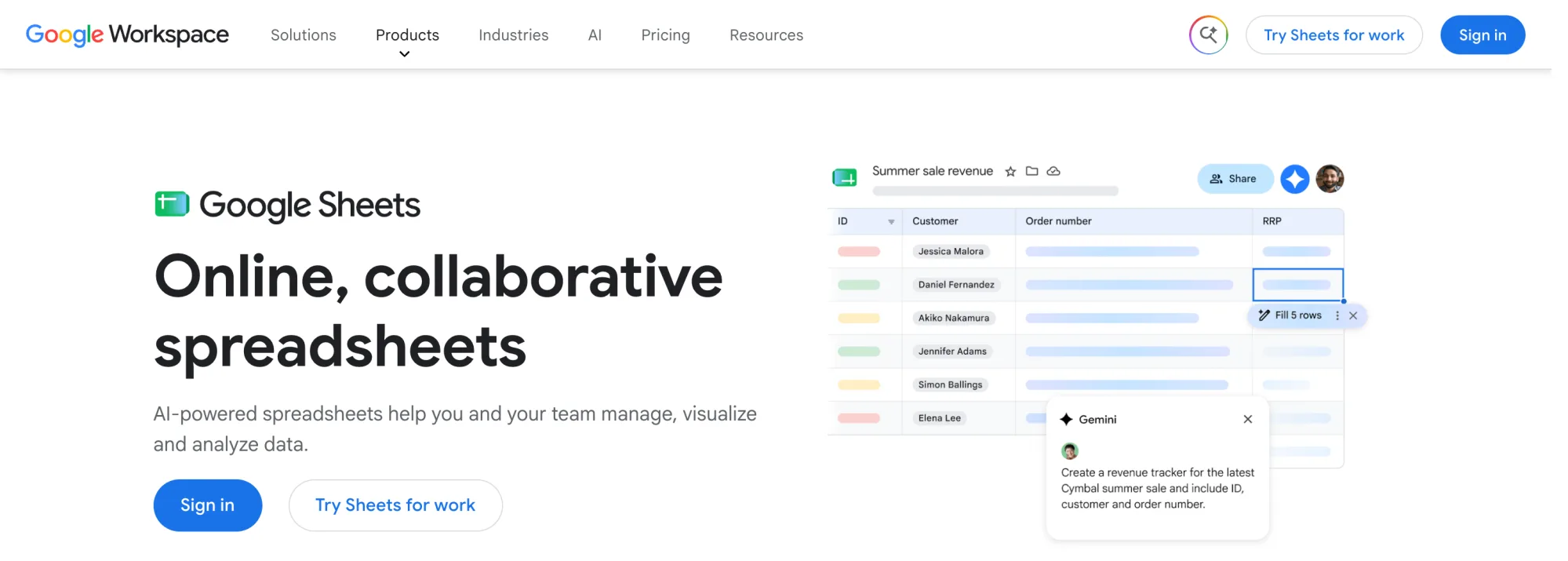
Gemini is to Google Sheets what Copilot is to Excel: the assistant that is already there. For cleaning work it gives you three levers. The side panel takes one-off requests in plain language. The AI("prompt", range) function applies an instruction cell by cell — categorize, rewrite, standardize — down whatever range you point it at. And Fill with Gemini extends a column from a couple of examples, which is standardizing by demonstration.
Unlike Copilot, there is no dedicated cleaning feature: nothing scans your table for casing issues or numbers stored as text, so you assemble cleanups from those general-purpose pieces yourself. The quotas are the other constraint. Google caps AI-function generation at 350 selected cells per run with usage limits on top, and the promotional high limits on =AI() and Fill with Gemini ended on July 15, 2026 — heavier use now needs a paid AI add-on.
Cell-level is also where it stops: no cross-row work, so fuzzy deduplication is out of reach. For bulk cleaning in Sheets, GPT for Sheets vs. Gemini in Sheets puts numbers on the gap.
What it does well
-
Already in Sheets: No install and no new vendor — the side panel and AI function are right there on eligible Workspace plans.
-
Fill by example: Show it a couple of clean rows and it extends the pattern down the column.
-
Live data from Search: The AI function can pull real-time information, useful when fixing a column really means enriching it.
Where it falls short
-
No cleaning feature per se: You compose fixes from general tools; nothing flags issues for you.
-
Quota ceilings: 350 cells per run, generation limits on top, and a paid AI add-on once the included usage runs out.
-
Sheets only, cell-level only: No Excel, and no deduplication.
Pricing: Included with eligible Google Workspace plans (Business Standard and above). Higher AI-function and Fill with Gemini usage requires a paid AI add-on.
4. Numerous.ai
Best for: Cell-level cleanup with a formula you drag down a column
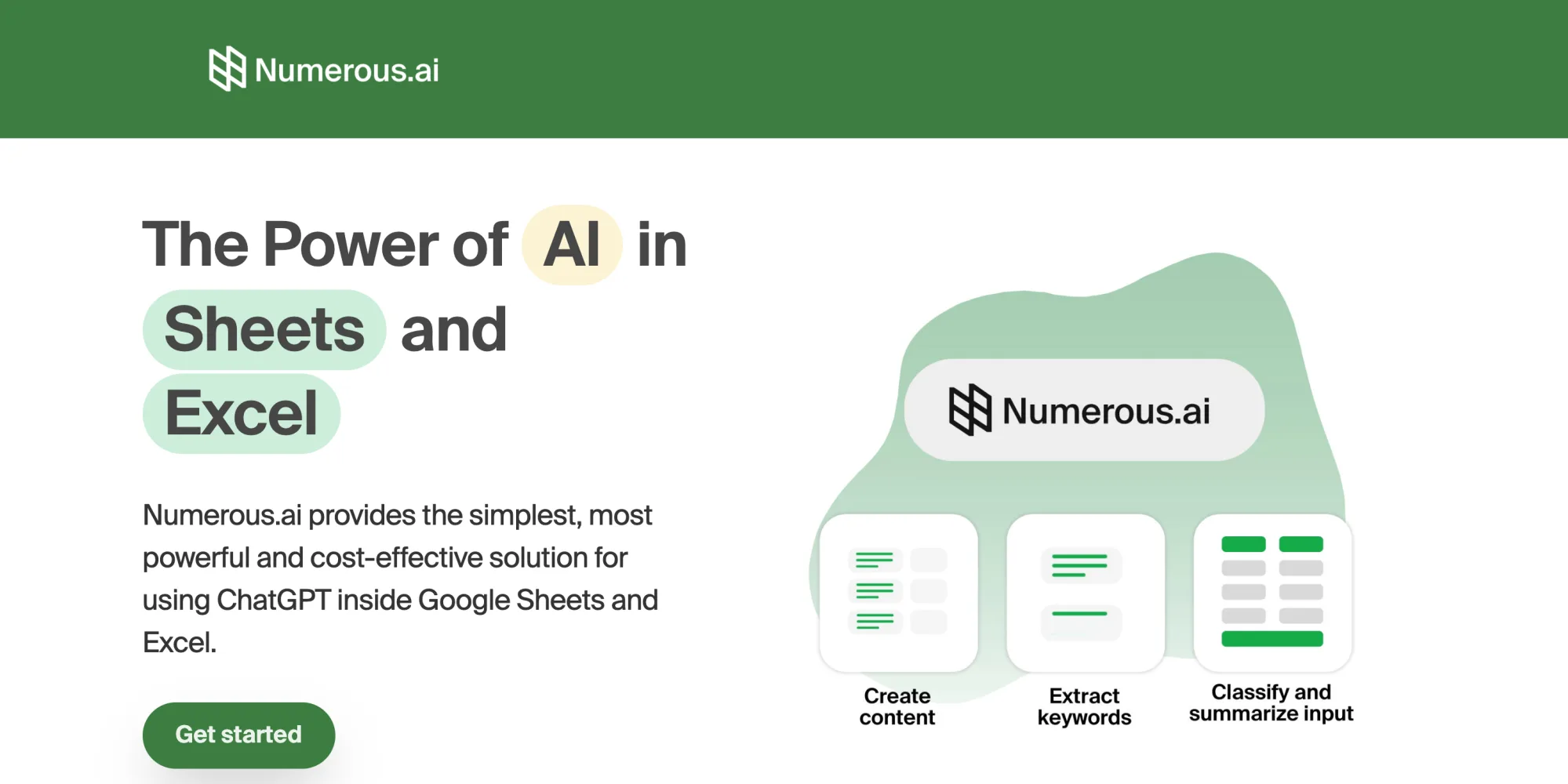
Numerous.ai takes the simplest possible approach: it puts ChatGPT inside a spreadsheet formula. You write a prompt in a cell — "standardize this company name", "extract the domain from this email" — and drag it down. Each cell gets cleaned, categorized, or rewritten on its own.
That makes it a good fit for the narrow-but-frequent cleanups: normalizing a single messy column, classifying free-text entries, extracting structured values from unstructured ones. It works in both Google Sheets and Excel, needs no API key, and caches repeated prompts so identical inputs do not get billed twice.
What it is not is an agent. It works one cell at a time and cannot see your whole sheet, so cross-row work — deduplication above all — is out of reach. No fuzzy matching across rows, no pivot tables, no multi-step plans.
What it does well
-
Lowest learning curve here: If you can write a formula, you can use it.
-
Both platforms: Google Sheets and Excel.
-
Prompt caching: Repeated values are not re-billed, which matters on long columns.
Where it falls short
-
One cell at a time: No deduplication or any fix that requires comparing rows.
-
The trial is not free: 7 days for $1, then paid.
-
Can time out on larger datasets.
Pricing: Personal from $10/month billed yearly, with Pro and Enterprise above it. The trial is $1 for the first 7 days.
5. Zoho DataPrep
Best for: Recurring cleaning pipelines fed by more than one source
Zoho DataPrep is a data preparation platform: you import files or connect sources, clean the data in a spreadsheet-like interface, and push the result wherever it needs to go. The AI layer spans the workflow — automatic data-type detection and pattern analysis flag quality issues on import, and the Ask Zia copilot turns plain-English requests into transformations.
The reason to accept the upload-and-export round trip is repeatability. A cleanup you build once becomes a pipeline you can schedule, so next month's export of the same messy data cleans itself. That is the step up from spreadsheet add-ins, which clean on demand.
It is also the only AI tool on this list with a genuinely free tier: 20,000 rows per month for one user, with file import and export. Paid plans start at $40/month billed annually, which includes 2 million rows per month — and that row-based pricing is the thing to model before committing, because heavy months are what you pay for.
What it does well
-
Real free tier: 20,000 rows a month, files in and out, no card.
-
Pipelines, not one-offs: Schedule a cleanup once and rerun it on every new export.
-
AI-assisted quality checks: Pattern analysis and the Ask Zia copilot surface issues you did not think to look for.
Where it falls short
-
Overkill for one messy sheet: The import-transform-export loop is real overhead when you just want a column fixed.
-
Free tier has no connectors: Files only — data sources and destinations start on Standard.
Pricing: Free plan with 20,000 rows/month. Standard from $40/month billed annually (2 million rows/month). 15-day free trial of the paid features, no card required.
6. WinPure Clean & Match

Best for: On-premises deduplication and matching of customer or CRM records
WinPure has been in the data quality business since 2002, and Clean & Match is its core suite: profiling, cleansing, fuzzy matching, and merging of records across Excel files, CSVs, databases, and CRMs. Its AI components — Clean AI and Match AI — recommend cleansing rules and power entity resolution, and WinPure describes them as non-generative AI: no LLMs, no data leaving your infrastructure.
That is the point of the product. It runs entirely on your own machines, which is why compliance-heavy teams deduplicating customer master data pick it. WinPure claims 90–98% match accuracy and processing of a million records in minutes — read those as vendor claims, but the fuzzy matching engine is the most configurable in this list.
For a spreadsheet user with one messy file, though, it is a lot of software. You are buying a desktop data quality suite with per-user enterprise pricing, not a quick fix inside your sheet.
What it does well
-
Serious fuzzy matching: Configurable matching plus AI-powered entity resolution, with survivorship rules for building golden records.
-
Data never leaves your infrastructure: Desktop, on-premises processing — the strictest data-handling model here.
-
Address verification built in: Validates postal addresses worldwide, which none of the spreadsheet tools do.
Where it falls short
-
Enterprise pricing: $185/user/month billed annually for the entry tier is a different budget conversation than any tool above.
-
Not in your spreadsheet: The workflow is import, clean, export — with a desktop app in the middle.
Pricing: Small Business at $185/user/month billed annually (up to 100K records), with Professional and Enterprise & API tiers above it. 30-day free trial.
Two Non-AI Data Cleaning Alternatives Worth Comparing
Neither of these is an AI tool, and neither pretends to be. They are the rule-based baselines: if your cleanup can be written as a repeatable rule, they do it without a new subscription — and any AI tool you pay for should be judged against them.
Power Query
Best for: Repeatable rule-based cleanup you already own
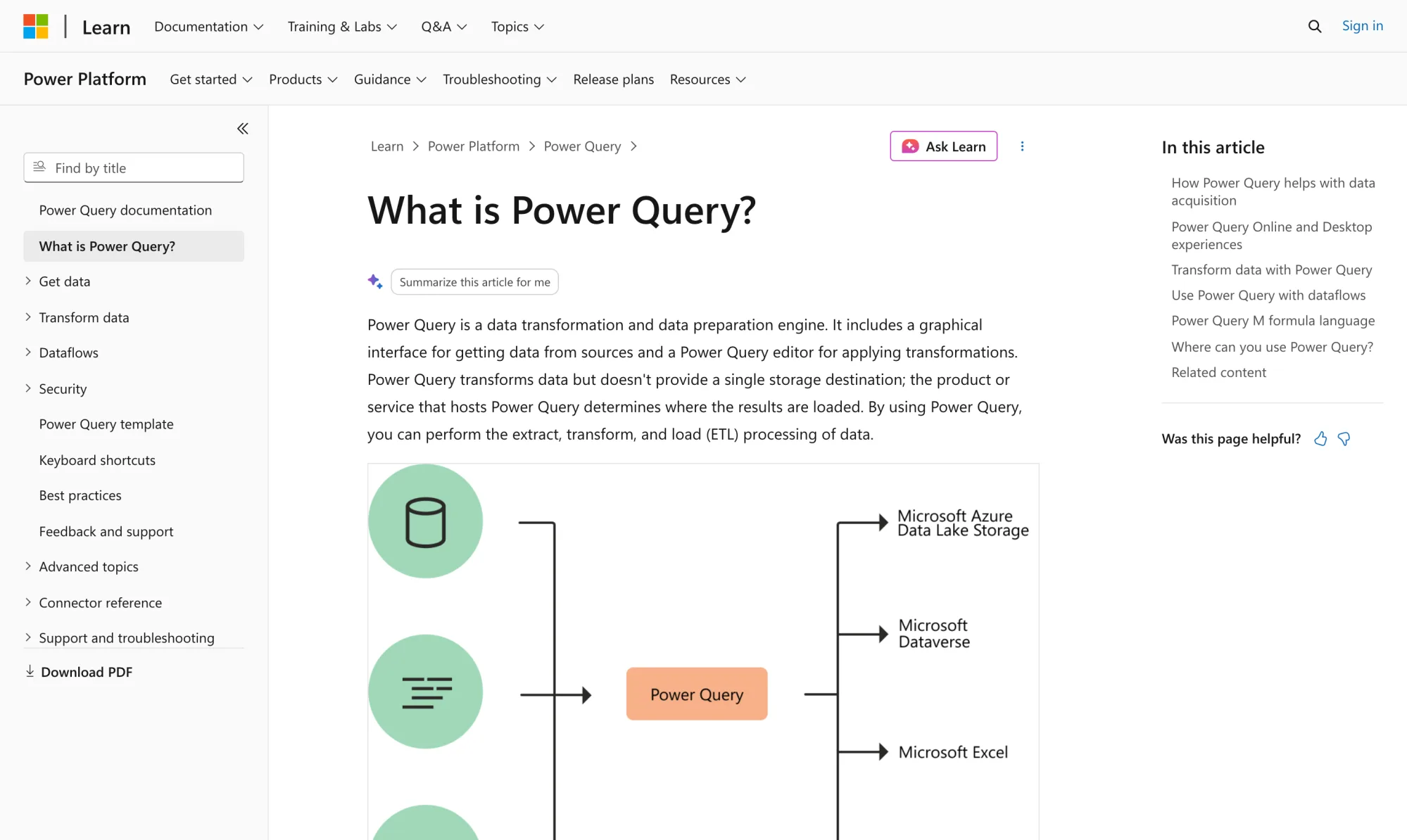
Power Query is the data preparation engine built into Excel (under Get & Transform on the Data tab) and Power BI. You load a table, apply transformations from a menu — split columns, trim spaces, fix types, unpivot, merge — and every action is recorded as a step. Refresh the query and the same cleanup replays on new data, which is the single most underrated cleaning feature in Excel.
Microsoft documents over 350 transformation types, and the merge operation supports fuzzy matching, so near-matches like "Microsft" and "Microsoft" can be joined. But you define every rule yourself: nothing here reads your data and decides what to fix. That is precisely what the AI tools above add — and what you should make them prove they add, on your file, before paying.
What it does well
-
Recorded, repeatable steps: The cleanup becomes a query you refresh, not a task you redo.
-
No new vendor, no new bill: It ships with the Excel you already have.
-
Handles volume: Comfortable with far more rows than manual cleanup could touch.
Where it falls short
-
You write the rules: It fixes what you tell it to fix, nothing more.
-
A learning curve: The editor, and eventually the M formula language, take real time to learn.
-
Excel and Power BI only: Nothing for Google Sheets users.
Pricing: Included with eligible Excel or Microsoft 365 plans.
OpenRefine
Best for: Free, local cleanup of messy exports — especially duplicate clustering
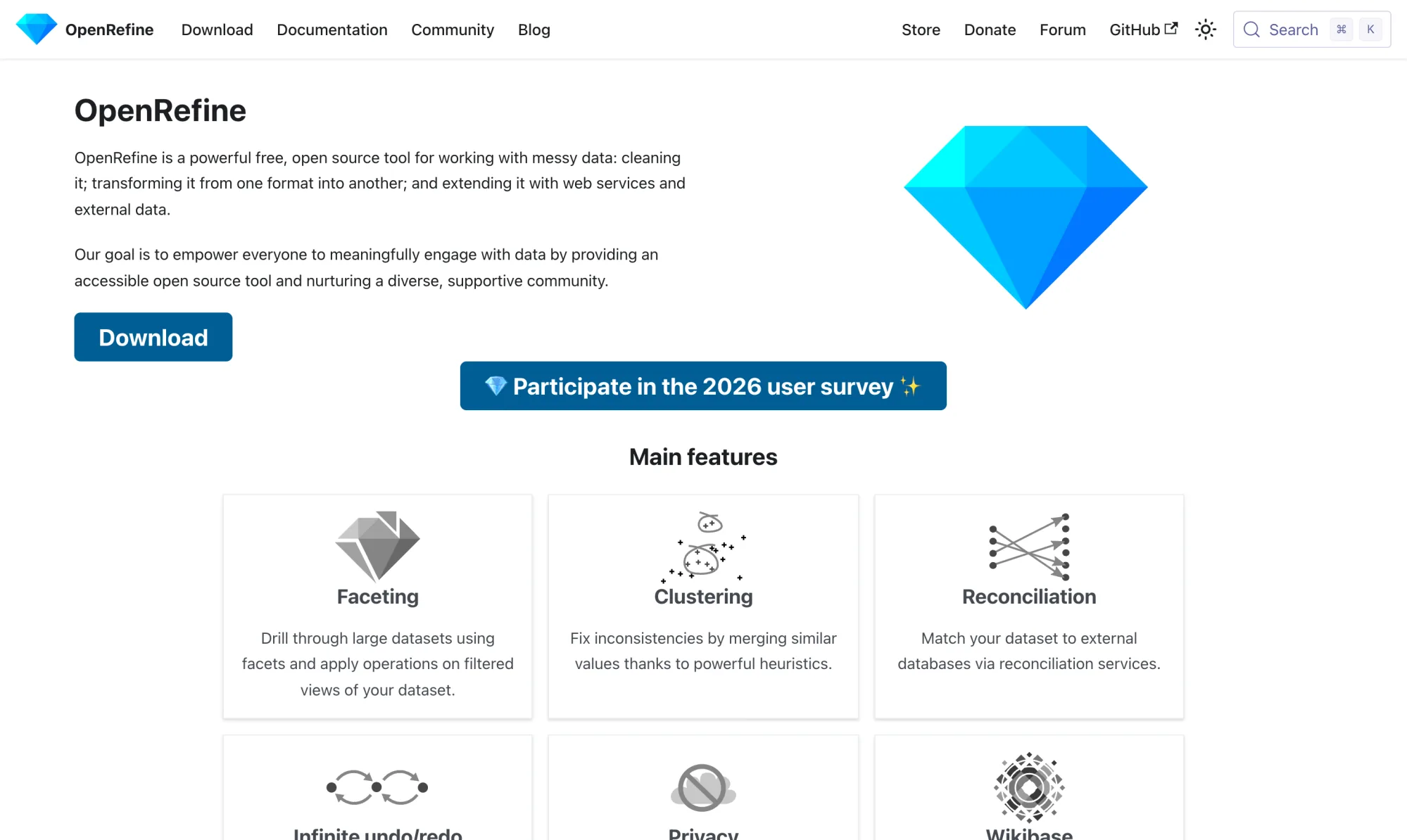
OpenRefine is a free, open-source tool for working with messy tabular data. It runs locally — you launch it and it opens in your browser, with your data never leaving your machine. Import an Excel file or CSV, and its two signature features go to work: faceting, which profiles a column so every inconsistent variant is visible at once, and clustering, which groups similar values ("IBM Corp.", "I.B.M.") so you can merge them in bulk.
Clustering is the closest thing to AI-style fuzzy deduplication you can get without paying anyone, even though it is powered by string-similarity heuristics rather than a model that understands meaning. Add infinite undo and an operation history you can replay on new data, and you have a shockingly capable cleaner for the price of nothing.
The cost is workflow: it is a separate app with its own concepts to learn, and the export-import loop between it and your spreadsheet is yours to manage.
What it does well
-
Actually free: Open source, no tiers, no trial clock.
-
Clustering: Finds and merges near-duplicate values at a scale no manual pass could.
-
Private by design: Everything runs on your machine.
Where it falls short
-
A tool to learn: Facets, clusters, and GREL expressions are their own little world.
-
Heuristics, not understanding: Clustering catches similar spellings, not similar meanings — "IBM" and "International Business Machines" stay separate unless a fuzzier method or a manual merge steps in.
Pricing: Free and open source.
Free AI Data Cleaning Options
"Free" means four different things in this category, and mixing them up is how you end up in a demo with a credit card form. Here is the honest taxonomy:
Genuinely free and open source. OpenRefine, full stop. Every feature, forever, locally. It is not AI, but for rule-shaped cleanup and duplicate clustering it is the best zero-budget option there is.
A real free tier. Zoho DataPrep's free plan processes 20,000 rows per month for one user with file import and export — enough to clean a real dataset monthly, not just to look at the interface.
Free to start, then paid. GPT for Work is free to install and comes with starting credits, so you can run real cleanups — deduplication included — before paying anything. WinPure offers a 30-day free trial. Numerous.ai's trial is $1 for 7 days, which is cheap but not free.
Included with something you already pay for. Power Query comes with eligible Excel and Microsoft 365 plans, so for many teams the rule-based baseline is already sitting in the ribbon. Gemini in Sheets is included with eligible Workspace plans (Business Standard and above), though heavier AI-function use needs a paid AI add-on. Copilot now follows a similar pattern: Copilot Chat-eligible Microsoft 365 business and enterprise plans include standard access to Copilot in Excel, subject to service capacity, while the full experience — priority access, advanced reasoning, and model choice — still requires the paid Copilot add-on.
If the goal is specifically AI cleaning — fuzzy deduplication, plain-English fixes — at zero upfront cost, the practical answer is GPT for Work's starting credits for the AI work, with OpenRefine covering everything rule-shaped for free.
How to Choose the Right Tool
Start with the same question as the grouping above: do you want the cleanup done in your file, or is cleaning a recurring pipeline?
-
One messy sheet, fixed in place: GPT for Work. Describe the cleanup, review the highlighted changes.
-
Occasional touch-ups in a Microsoft 365 shop: Copilot's Clean Data for the quick wins — and learn Power Query for anything you will do twice.
-
Occasional touch-ups in a Google Workspace shop: Gemini's AI function and Fill with Gemini cover cell-level fixes, within their quotas.
-
A single ugly column, often: Numerous.ai's formula approach is the cheapest habit.
-
The same exports arriving every week from multiple sources: Zoho DataPrep, so the pipeline reruns itself.
-
Customer master data, compliance requirements, on-premises only: WinPure.
-
No budget at all: OpenRefine, plus GPT for Work's starting credits for the parts that need actual AI.
Whatever you pick, run it on a copy of your own worst file before committing — not the vendor's demo dataset. And if the data is sensitive, check two things on the vendor's site first: a named security certification (ISO 27001, SOC 2) and an explicit statement that your data will not train AI models. GPT for Work publishes both. Several tools in this category publish neither.
Conclusion
The AI data cleaning market sorts into three shapes: tools that clean your spreadsheet in place, platforms that clean a copy on a schedule, and rule engines that predate the AI label entirely. Most disappointment in this category comes from buying one shape when you needed another.
For the most common case — a messy spreadsheet that needs to be clean by this afternoon, without leaving Excel or Google Sheets — the in-place agents win, and GPT for Work is the one that combines fuzzy deduplication, plain-English fixes, and real bulk scale in both apps.
Start with the GPT for Work free trial and point it at the worst column you have.
FAQs
What is the best AI tool for cleaning data in Excel?
For cleaning inside the workbook at any scale, GPT for Work: it deduplicates with fuzzy matching, standardizes formats, and fixes messy text in place, at up to 1,000 rows per minute. If you have a Copilot license, Excel's built-in Clean Data feature handles the quick wins — inconsistent casing, numbers stored as text, extra spaces. For strictly rule-based cleanup, Power Query is already in your ribbon.
What is the best free AI data cleaning tool?
No AI cleaning tool is unconditionally free, so match the flavor of free to your situation. Zoho DataPrep has a true free tier at 20,000 rows per month. OpenRefine is fully free and open source, though its clustering runs on string heuristics rather than AI understanding. For cleaning that actually uses AI — fuzzy deduplication, plain-English fixes — the practical zero-cost start is GPT for Work, which is free to install and comes with starting credits that cover real cleaning runs.
Can ChatGPT clean spreadsheet data?
Only through a copy-paste loop: upload your data to the chat, wait, download the result, and repeat for every fix — workable for a hundred rows, painful for ten thousand. Tools built into the spreadsheet skip that loop. An agent like GPT for Work reads your sheet and writes corrections into your cells, and Numerous.ai puts ChatGPT directly into a formula you drag down a column.
Can Gemini clean data in Google Sheets?
At the cell level, yes. The AI function applies a written instruction to a range — fix casing, standardize a name, extract a value — and Fill with Gemini extends a column from examples. What it does not do is cross-row work like fuzzy deduplication, and generation is quota-capped at 350 selected cells per run, with usage limits that tightened in July 2026. For whole-table cleanups in Sheets, an agent add-in like GPT for Work covers what Gemini leaves out.
Can AI remove duplicate rows that are not exactly identical?
Yes — that is the single clearest advantage AI brings to cleaning. Excel's built-in Remove Duplicates only catches values that match character for character. Fuzzy matching recognizes that "IBM Corp." and "International Business Machines" are the same company, so near-duplicates can be flagged, grouped, or merged. GPT for Work does this in place in Excel and Google Sheets, and WinPure builds its whole product around it.
Is it safe to use AI data cleaning tools with company data?
Check your IT policy first, then verify what each vendor actually documents rather than assuming. Concrete things to look for: a named certification and a no-training statement (GPT for Work publishes ISO 27001, GDPR compliance, and zero data retention), or an architecture where data never leaves your machines at all (OpenRefine runs locally; WinPure runs on-premises). If a tool documents neither, assume nothing.