AI data enrichment in Excel & Google Sheets
Enrich leads, companies, and product data in bulk with AI web searchdirectly in your spreadsheets (Excel or Google Sheets),
at a speed of up to 1,000 rows per minute



“What would have taken 5 to 10min of Googling per row now takes a few seconds and is automated.”
“GPT delivers correct results 90% of the time — well above the 50-60% accuracy of research agencies that charge $60-100/hour”
“You built a game changing tool with GPT for Work.”
“GPT for Work saves me time, is more accurate, and eliminates the hassle of outsourcing”
Enrich thousands of rows with live web data — directly in your spreadsheets
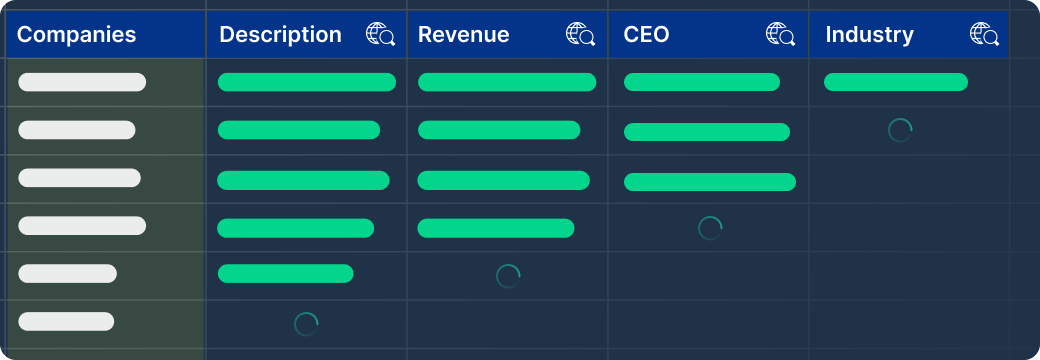
Enrich companies and leads in bulk
Describe the attribute you need in plain language and fill it in for every row at once: industry, company size, description, website. Up to 1,000 rows per minute, without Google copy/pasting.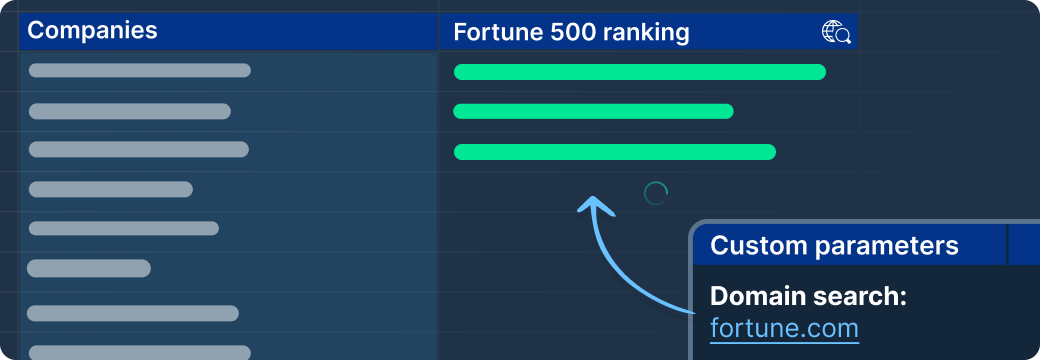
Enrich only from the sources you trust
Restrict enrichment to a targeted set of websites (an industry directory, a ranking, a company's own domain) to narrow sources and improve accuracy.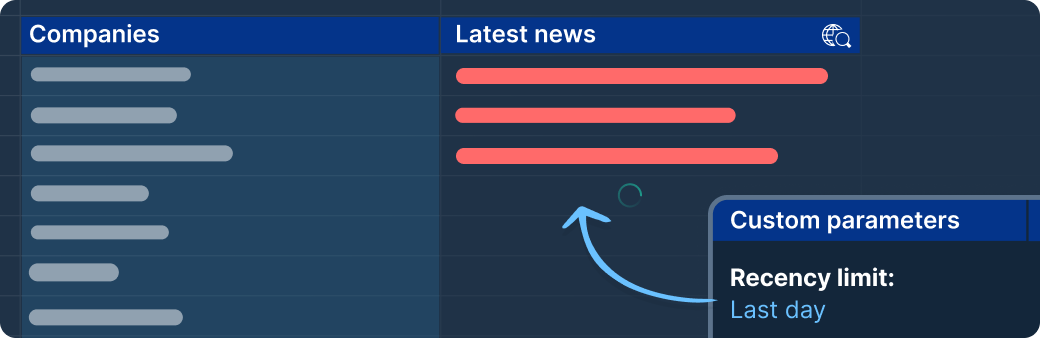
Keep enrichment current for market research
Set recency limits (e.g. last hour, last day, last 7 days) to enrich rows with fresh signals: latest news, competitor moves, press coverage. Useful for market research and coverage tracking.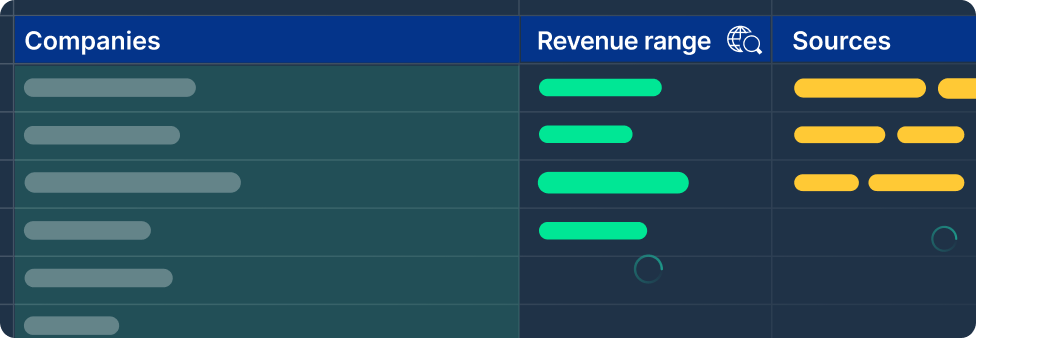
Verify every enriched value against its sources
Return the source links next to each enriched attribute in order to check the origin and trustworthiness of the data.Why an AI chat assistant isn't enough for bulk work in Excel and Google Sheets
You have thousands of rows in a spreadsheet and one instruction you want applied to every one of them.
Any AI chat tool can do that once. Doing it on every row is a different job: it needs retries when a request fails, answers that land in the right rows, and a run you can watch and stop.
GPT for Work is built for that second job, in Google Sheets and Microsoft Excel, on the rows you already have.
Fast and reliable bulk processing in Sheets and Excel:
Fast
Up to 1,000 rows / minute
Reliable at scale
Up to 1 million rows with one bulk run
Easy to use
- No prompting skills required
- Write column-specific instructions
- Monitor progress in real time
Bulk web search, bulk image analysis, flexible AI choice:
Search the web in bulk
One search per cell
Analyze images in bulk
Use vision models to analyze images from URLs and extract key information
Configure your AI setup
- Choose your AI providers
- Configure custom API keys and endpoints
- Select available models for your team
Enterprise ready:
Top-notch support
- 98% CSAT
- Professional people who love their job
- No annoying AI chatbot
Private & Secure
- ISO 27001 certified, GDPR compliant
- We don't use your data to train models
- Encryption in transit, at rest, at work
Easy admin
- User management
- Centralized billing
- Centralized AI configuration
- Detailed reporting
Powered by your AI of choice:(on-premise LLMs possible)


