Monitor your usage
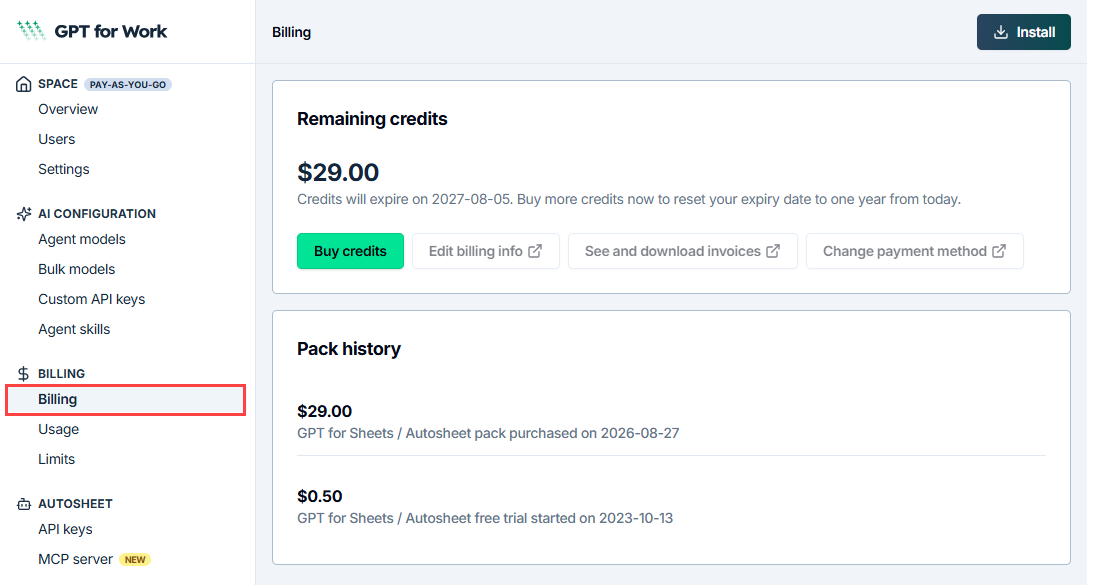
With legacy pay-as-you-go pricing, your space consumes the credits in the credit packs it has bought. Track how much is left on the Billing page, and generate detailed usage reports from the GPT for Work dashboard.
Track your usage
Prerequisites
You are the owner or an admin of the space.
-
Sign in to the GPT for Work dashboard with the account that you use for your space.
-
In the sidebar, select Billing.
The Remaining credits section shows how many credits you have left, and when they expire.
Generate a usage report
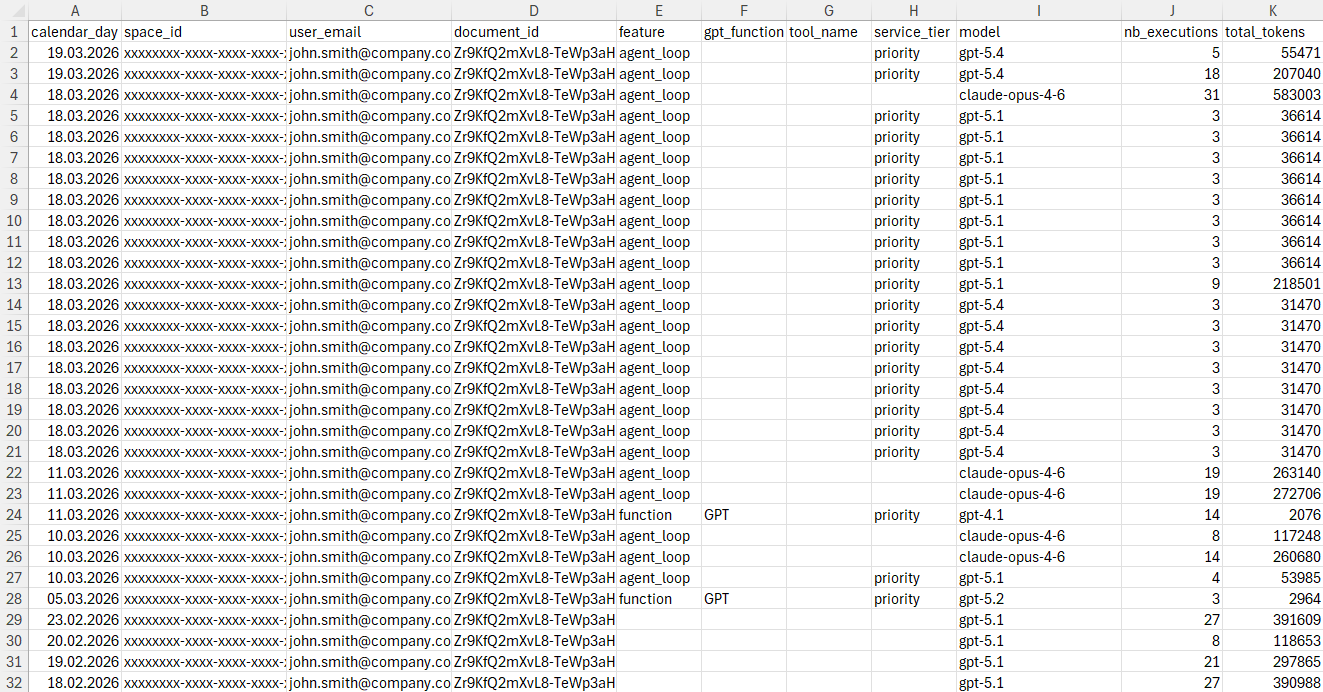
As a space owner or admin, you can generate and download CSV-format usage reports for your space. You can select a predefined time range or define a custom time range for a report. The reports provide detailed per-user information about feature and model usage, token consumption, and credit consumption.
Prerequisites
You are the owner or an admin of the space.
-
Sign in to the GPT for Work dashboard with the account that you use for your space.
-
In the sidebar, select Usage.
-
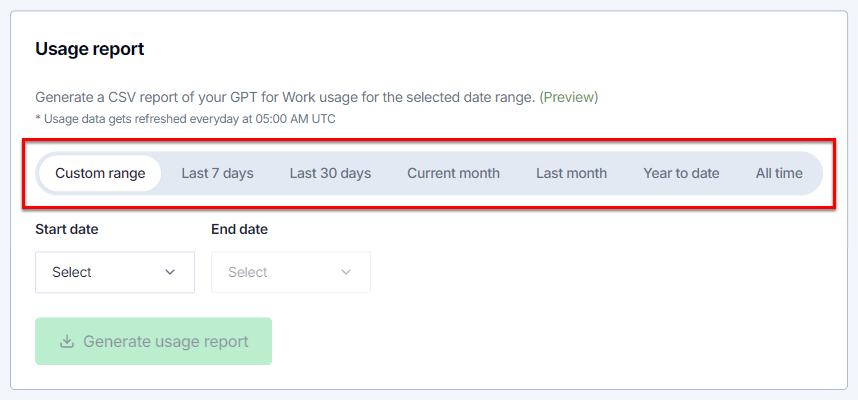
Select the time range for which you want to generate the report.
If you want to define a custom time range:
-
Select Custom range.
-
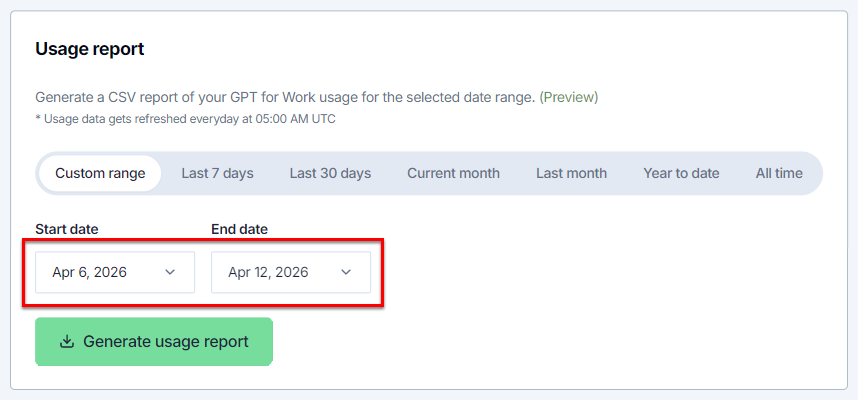
Select Start date.
-
Select End date.
The range is inclusive, so the report will include usage data from both the start date and end date.
-
-
Click Generate usage report. The dashboard generates the report for the selected time range.
-
Click Download. Your browser downloads the CSV file to your computer.
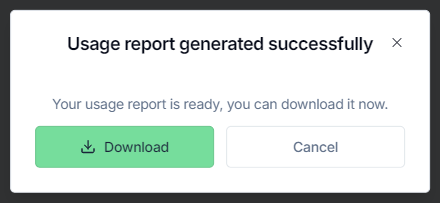
You've generated and downloaded the usage report. You can now view it on your computer.