Clay is the tool everyone names first for lead enrichment. It runs waterfall enrichment across 150+ data providers, researches companies on the live web with its Claygent agent, and chains it all into workflows. Few tools match that range.
The price of that range is complexity. Clay meters usage in two currencies at once, actions and data credits, each with its own rollover rules. The free plan caps tables at 200 rows. The first paid plan starts at $167 a month billed annually, $185 billed monthly. And before any of that pays off, you have to learn the table builder. Clay runs its own training academy, which tells you something about the setup investment.
So people search for Clay alternatives. Most of them do not need a cheaper Clay. They need one of the jobs Clay does, without paying for the other three.
Below are 10 lead enrichment tools grouped by job, with what each one gets right and wrong.
Compare the 10 Clay Alternatives
Short on time? Here's the whole list before the details.
Tool | Job | Best for | Starting price |
|---|---|---|---|
GPT for Work | Spreadsheet enrichment | Bulk company research in Excel or Google Sheets | Free, then $25/mo |
FullEnrich | Waterfall contacts | Emails and phones from 15+ providers | 50 free credits, then ~€55/mo |
BetterContact | Waterfall contacts | Cheapest entry into waterfall enrichment | 50 free credits, then $15/mo |
LeadMagic | Waterfall contacts | Contact enrichment through an API | $49.99/mo, no free tier |
Apollo.io | Data platform + outreach | Database and sequences in one tool | Free, then $49/user/mo |
ZoomInfo | Data platform | Enterprise teams with ops support | Custom quote |
Cognism | Data platform | European data and phone-verified mobiles | Custom quote |
Lusha | Data platform | Quick self-serve contact lookups | Free, then $49.90/mo |
Gumloop | Workflow builder | AI automation beyond sales | From $37/mo |
Origami | AI prospecting agent | Hands-off lead research and outreach | Free, then $29/mo |
The 4 Jobs People Hire Clay For
Most lists rank these tools in one flat line. That hides the thing you need to know first. They do not compete for the same job.
1) Spreadsheet-native enrichment
You have a list of companies or leads in a spreadsheet. You want to fill in the blanks, industry, size, description, websites, without exporting the list into another tool. GPT for Work works this way.
2) Waterfall contact enrichment
You have names and companies. You need verified emails and phone numbers, and you want a tool that queries many data providers in sequence until one hits. This is Clay's signature move. FullEnrich, BetterContact, and LeadMagic do it as their whole product.
3) Full data platforms
You do not have a list yet. You need a database to build one from, plus filters, intent signals, and often outreach in the same tool. Apollo, ZoomInfo, Cognism, and Lusha fit here.
4) Workflow and agent builders
You want the automation part of Clay, chains of steps that run on their own. Gumloop generalizes it beyond sales. Origami turns the whole prospecting job over to an agent.
Pick your job first. The tool choice mostly follows from it.
What Enriching 5,000 Leads Actually Costs
Numbers make this clearer. Say you have 5,000 leads and want one column filled in: each company's industry.
In Clay: about $334. The free plan stops at 200 rows per table, so it is out. The first paid plan costs $167 a month, billed annually, and includes 2,500 credits a month. If each cell costs one credit, the job needs two months of credits. And one credit per cell is the best case. Many enrichments cost more.
In GPT for Work: about $40. The job is one bulk web search, priced at $8 per 1,000 answers on a subscription.
Real jobs are bigger than one column. Make it 10 columns, so 50,000 cells. In Clay, that is 50,000 credits in the best case, and the biggest credit bundle on its entry plan, 50,000 credits a month, costs $2,125 a month. In GPT for Work, the same 50,000 searches cost about $400 on a subscription.
You can also shrink the job itself. You rarely need every column for every lead. Enrich two or three key columns first, then have GPT for Work score all 5,000 leads against your rules. Scoring is a plain bulk task, so it costs a few dollars. Then run the full enrichment only on the leads that score well. If 1,000 leads make the cut, the big job just got five times smaller.
One caveat. Clay's credits can buy verified emails and phone numbers. GPT for Work's credits buy web research. If verified contacts are what you need, price the waterfall tools below instead.
10 Clay Alternatives, Grouped by What They Actually Do
GPT for Work comes first, since it is the simplest swap if your leads already live in a spreadsheet. Then the waterfall specialists, the data platforms, and the builders.
1. GPT for Work
Best for: Bulk company enrichment in the spreadsheet you already work in
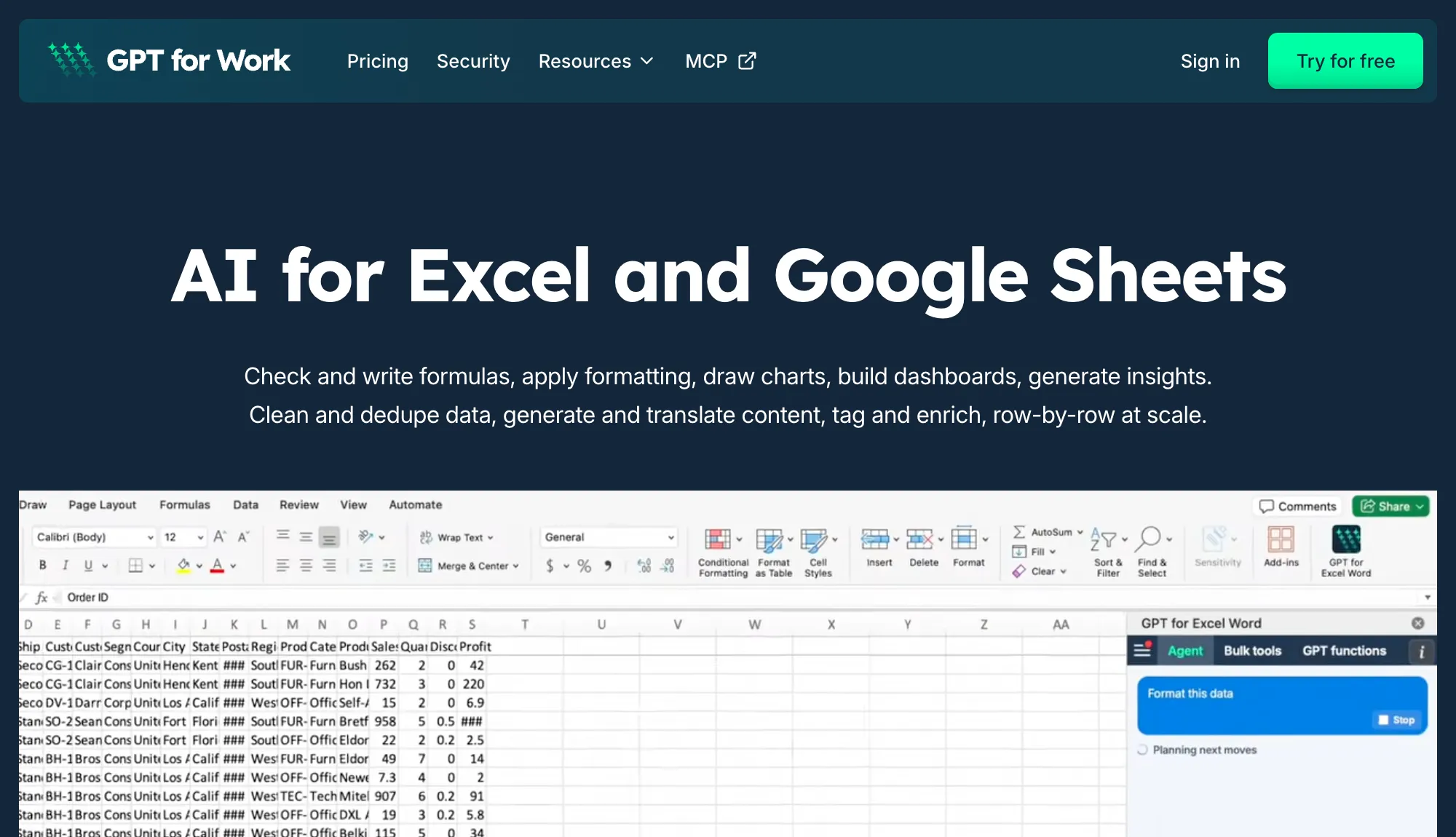
GPT for Work installs in Google Sheets and Excel and runs bulk web search for data enrichment down your list. You write one prompt, and it answers for every row, up to 1,000 rows per minute.
That covers the research half of enrichment: industry, company size, descriptions, websites, recent news, anything an analyst would Google. Answers come back with source links, and you can restrict searches to specific domains or a recency window to keep them reliable.
There is no table builder to learn and no export step. The workflow is a prompt in a sidebar, in a file you already have open.
What it does well
-
Enrichment where your list lives: No importing leads into another table tool. Results land in your cells.
-
Sourced answers: Every web search answer can display its source links, so you can verify before you trust.
-
Scale: 1,000 rows per minute, and up to 1 million rows in a single Excel run.
-
Simple pricing: A flat monthly subscription with included usage, plus shared extra-usage credits when you need more.
Where it falls short
-
No waterfall enrichment: It searches the web. It does not cascade across contact-data providers the way Clay does.
-
No verified emails or phone numbers: If verified contact data is the job, pair it with a waterfall specialist like FullEnrich or BetterContact below.
Pricing: Free to install with free starting credits. Then a monthly subscription from $25 with usage included; extra-usage credits are pooled across your team and valid 12 months.
2. FullEnrich
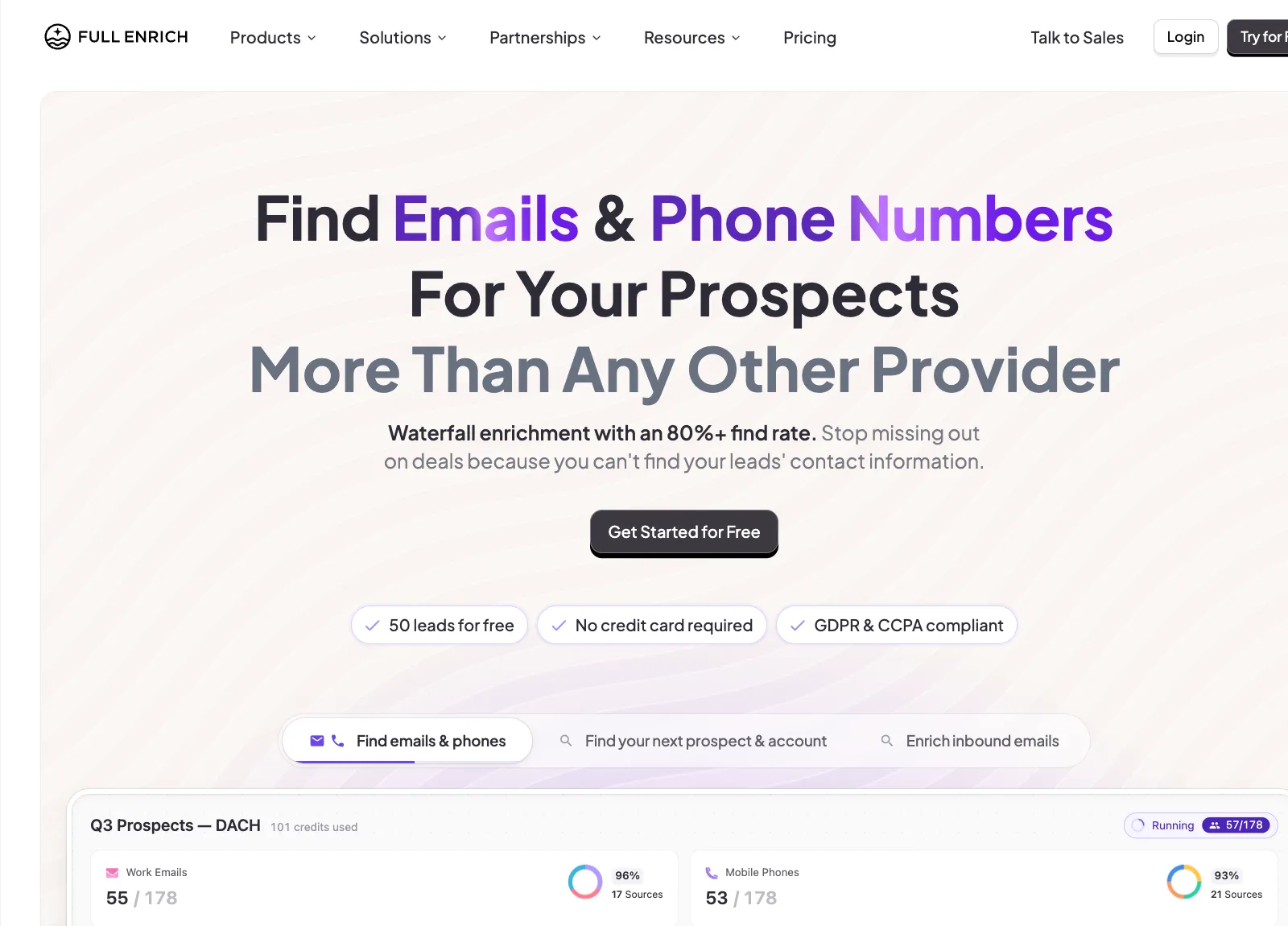
Best for: Squeezing the most verified emails and phones out of a list
FullEnrich does one thing: waterfall enrichment across 15+ data providers for work emails, personal emails, and mobile numbers. You pay only when a contact is found and verified.
Pricing is a credit slider rather than fixed plans. At the entry volume of 1,000 credits a month, the rate is €0.055 per credit, about €55 a month. Emails cost 1 credit, mobile numbers 10. Unused credits roll over for 3 months on monthly billing.
What it does well
-
Hit rate by design: 15+ providers queried in sequence beats any single database.
-
Pay only for verified contacts: No charge when the waterfall comes up empty.
-
Team-friendly terms: Unlimited users on all plans, API included.
Where it falls short
-
Phone-heavy use gets expensive fast: At 10 credits per mobile number, the low per-credit headline applies to emails, not phones.
-
No fixed plans: The slider model means you estimate your own volume up front.
Pricing: 50 free credits to start, no card. Then from €0.055 per credit (about €55/mo at 1,000 credits).
3. BetterContact
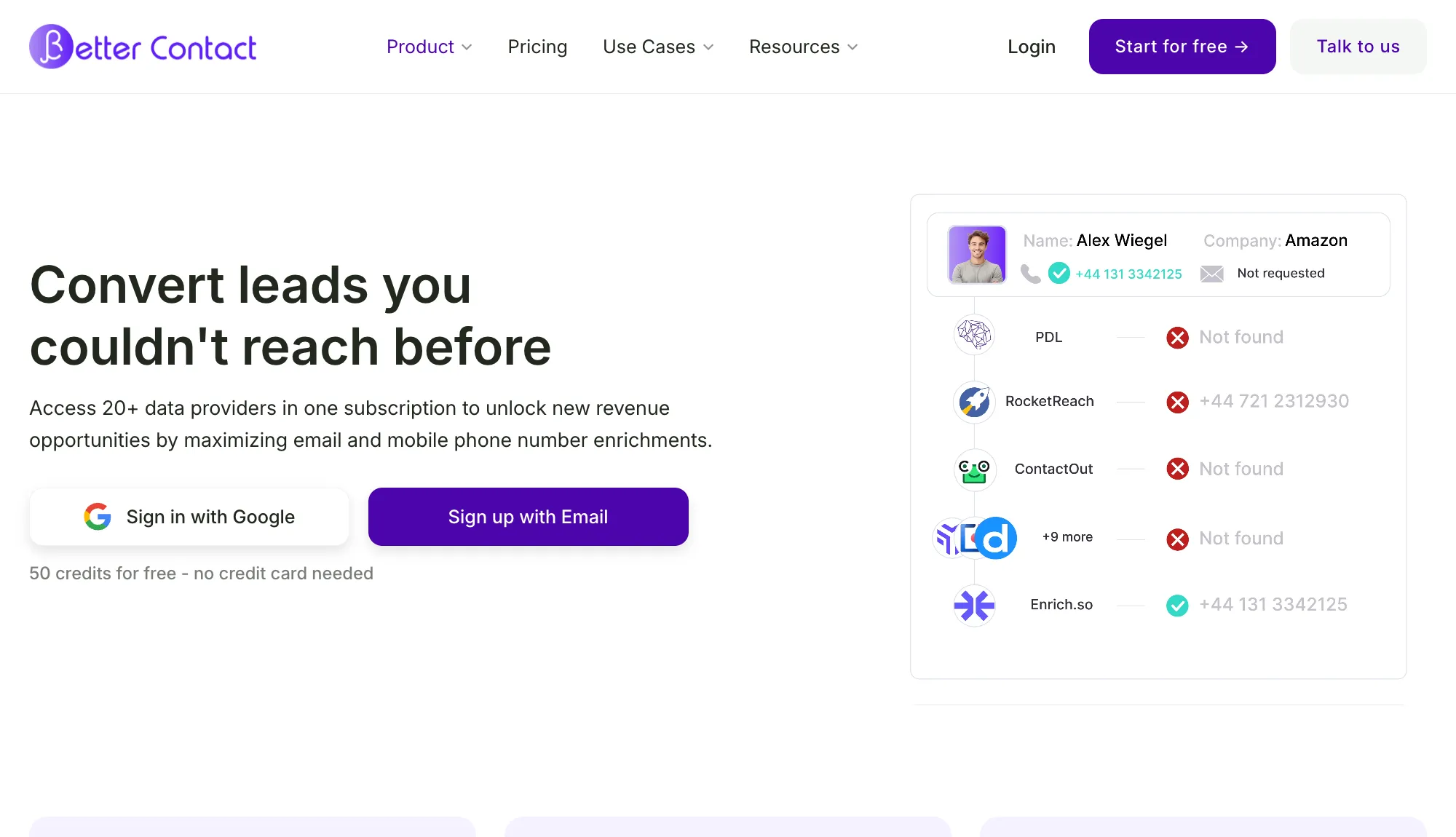
Best for: Trying waterfall enrichment on a small budget
BetterContact aggregates 20+ data sources to find and verify emails and mobile numbers, and charges only when the data comes back valid. Its Starter plan is the cheapest paid entry into waterfall enrichment in this list: $15 a month for 200 credits.
What it does well
-
Lowest starting price in the waterfall group: $15/mo, with 50 free credits before that.
-
Pay only for valid data: Failed lookups cost nothing.
-
Credit rollover: Unused credits carry over, capped at your subscribed amount.
Where it falls short
-
Starter plan is emails only in practice: Mobile phone verification and catch-all email verification need the $49 Pro plan.
-
Phones cost 10 credits each, so 200 Starter credits do not stretch far beyond emails.
Pricing: 50 free credits. Starter $15/mo (200 credits), Pro $49/mo (1,000 credits), Enterprise from $799/mo.
4. LeadMagic
Best for: Plugging contact enrichment into your own stack
LeadMagic sells the same job as an API first. Verified work emails, direct mobile numbers, and company data, reached from a CSV upload, a script, or the tools it integrates with. You bring the workflow, it fills in the contacts.
Like the other waterfall tools, it only charges when a lookup returns a valid result.
What it does well
-
Built for automation: Every plan includes the API, so enrichment can run inside whatever you already use.
-
Pay per valid result: Failed lookups cost nothing.
-
Cheap emails: One credit per email, so the $49.99 plan's 2,000 credits go far on email-only work.
Where it falls short
-
No free tier: You pick a paid plan at signup. There is a 14-day money-back guarantee instead.
-
Credit rollover is gated: Unused credits only carry over from the $99 plan up.
Pricing: Basic $49.99/mo (2,000 credits). Emails cost 1 credit, mobile numbers 5. No free plan.
5. Apollo.io
Best for: Building lists and running outreach from one database
Apollo bundles a large B2B contact database with sequences, a dialer, and deliverability tools. If you used Clay to source leads and then pushed them into an outreach tool, Apollo collapses those two subscriptions into one.
The free plan is a real starting point: 900 credits per seat per year, granted monthly, with basic sequencing included.
What it does well
-
Database plus outreach: Search, reveal, sequence, and call without switching tools.
-
Usable free plan: 900 credits a year and 2 sequences before you pay anything.
-
Self-serve pricing: Published plans, no sales call required.
Where it falls short
-
Everything meters through credits: Mobile numbers and exports drain the allowance faster than email reveals, and "unlimited" claims sit behind a fair use policy.
-
Advertised prices assume annual billing, and the Organization tier requires 3 seats minimum.
Pricing: Free plan. Basic $49/user/mo billed annually, Professional $79, Organization $119 (3-seat minimum).
6. ZoomInfo
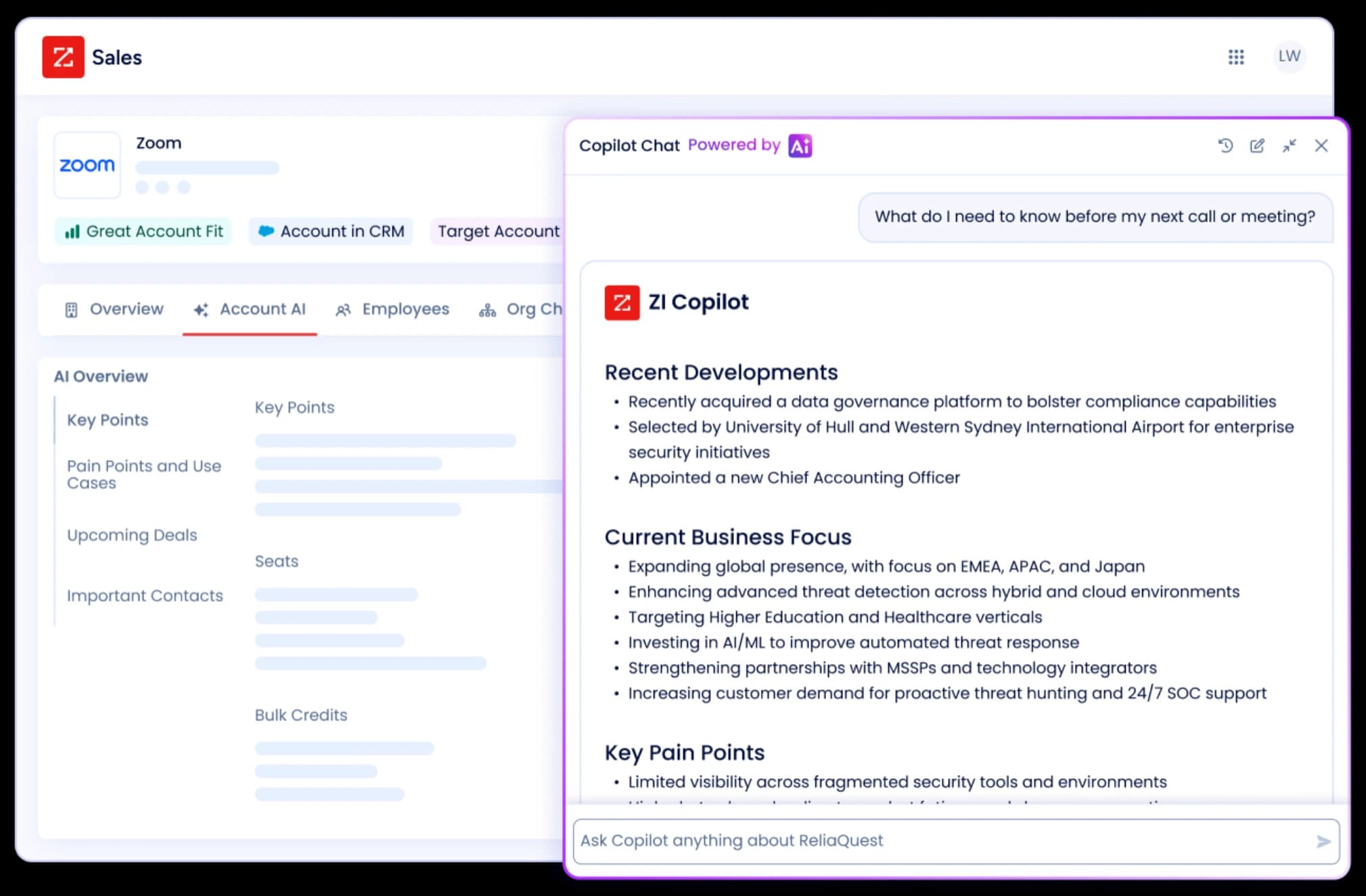
Best for: Enterprise teams that need depth and have the budget for it
ZoomInfo is the incumbent. Contact and company data, buying-intent signals, technographics, and website visitor identification, sold as annual contracts scoped to your team.
There is no published pricing. Deals are custom-quoted based on seats, credit volume, and features. The free tier, ZoomInfo Lite, gives 10 credits a month with no card and no expiration, enough to evaluate data quality but not to run on.
What it does well
-
Data depth: Intent, technographics, and org charts that most alternatives here do not carry.
-
Enterprise plumbing: Integrations and admin controls built for large sales orgs.
-
Free evaluation tier: ZoomInfo Lite costs nothing and does not expire.
Where it falls short
-
No way to start small: Sales-led, annual-contract-only pricing with credit-metered exports.
-
Overkill below mid-market: The buying process alone assumes a dedicated ops team.
Pricing: No public pricing, custom annual contracts. Free ZoomInfo Lite tier (10 credits/mo).
7. Cognism
Best for: Teams prospecting into Europe that live on the phone
Cognism positions its database around international coverage, Europe in particular, and phone-verified mobile numbers. For teams whose outbound runs on cold calls into EMEA, that verification focus is the draw.
Like ZoomInfo, it publishes no prices. Plans come in Standard and Pro flavors, each bundling 5 seats with a credit allocation per seat.
What it does well
-
European coverage: A stated focus most US-centric databases lack.
-
Phone-verified mobiles: Numbers checked by a verification engine, with on-demand verification on Pro.
-
Predictable credit model: One credit reveals a contact, and re-viewing it later is free.
Where it falls short
-
No published prices, so budgeting starts with a sales call.
-
Packaging starts at 5-seat bundles, which is awkward for a solo founder or a two-person team.
Pricing: No public pricing. Standard and Pro plans, both including 5 seats.
8. Lusha
Best for: Individual reps who want instant self-serve lookups
Lusha is the low-friction option: a web app, a Chrome extension, and an API for finding verified emails and phone numbers one prospect at a time or in small batches. No sales call, no onboarding project.
The free plan gives 40 credits a month. Paid plans start at $49.90 a month billed yearly, and the site runs frequent discounts on that.
What it does well
-
Fastest start in the data platform group: Sign up, install the extension, look up a contact.
-
Real free plan: 40 credits a month, no card required.
-
Self-serve all the way up: Published prices until the custom Scale tier.
Where it falls short
-
Phone numbers cost 5 credits against 1 for an email, so calling-heavy teams burn the allowance quickly.
-
Annual credits arrive upfront and reset at year end: Unused credits do not carry into the next year.
Pricing: Free plan (40 credits/mo). Starter $49.90/mo billed yearly, Pro $69.90, Premium $399.90, frequently discounted.
9. Gumloop
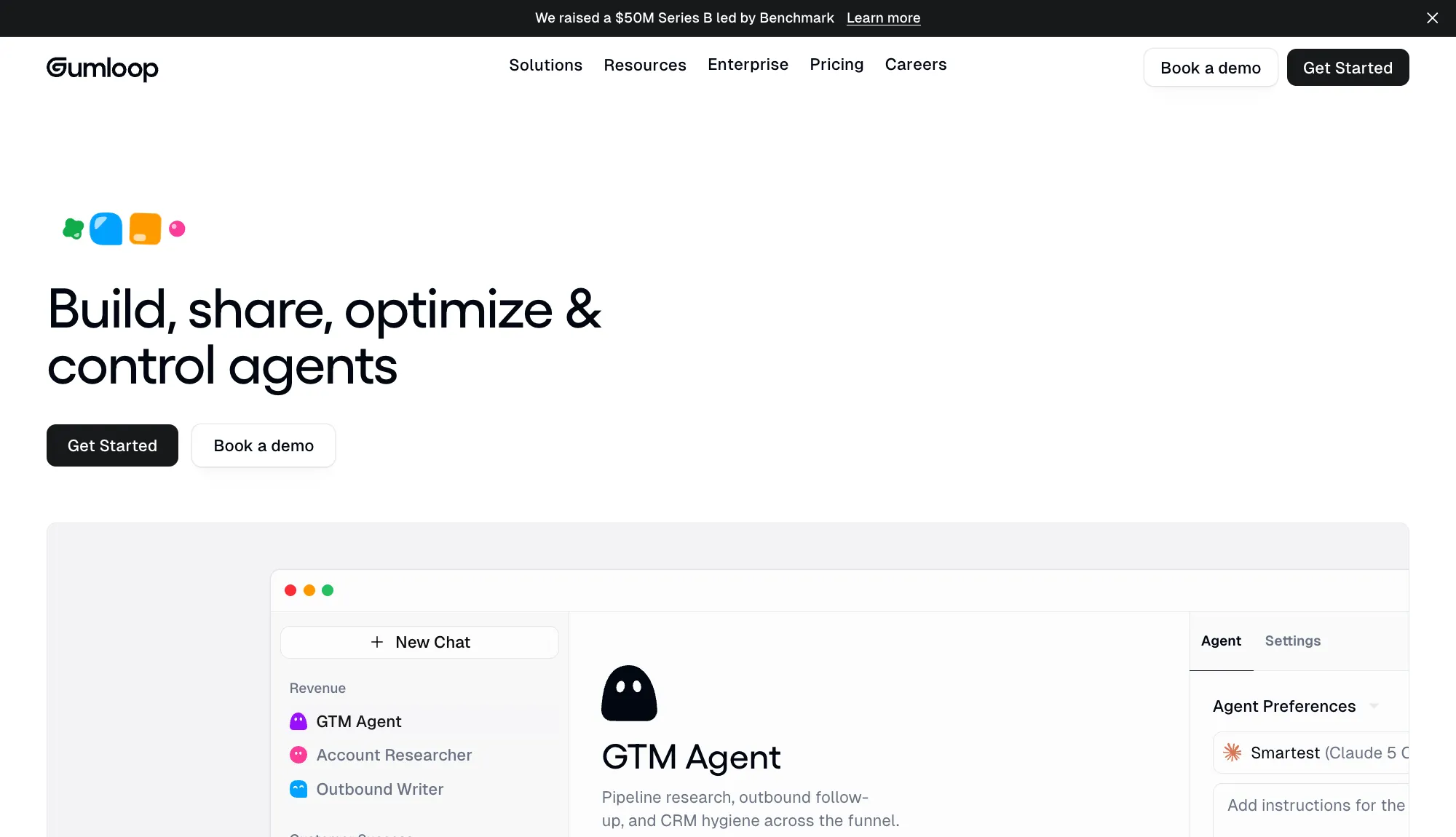
Best for: Teams that want Clay-style automation for more than sales
Gumloop is a no-code platform for building AI agents and workflows across business tools, with 35+ models to choose from. Lead enrichment is one recipe among many: the same builder handles support triage, data analysis, and recruiting work.
That generality is the trade. Nothing is prebuilt for prospecting, so you assemble the enrichment workflow yourself.
What it does well
-
One builder for every department: Sales enrichment today, support automation tomorrow, same tool.
-
Model choice: 35+ AI models, plus unlimited agents and seats on the Pro plan.
-
Enterprise controls: SCIM, SAML, and audit logs on the Enterprise tier.
Where it falls short
-
No free plan, and a fee on the fee: Pricing starts at $37 a month for 20,000 credits after a 14-day trial, plus an 8% orchestration fee on top.
-
Not a data source: It orchestrates providers you connect. The data bills arrive separately.
Pricing: Pro starts at $37/mo (20,000 credits) plus an 8% orchestration fee. 14-day free trial, no free plan.
10. Origami
Best for: Handing the whole prospecting job to an agent
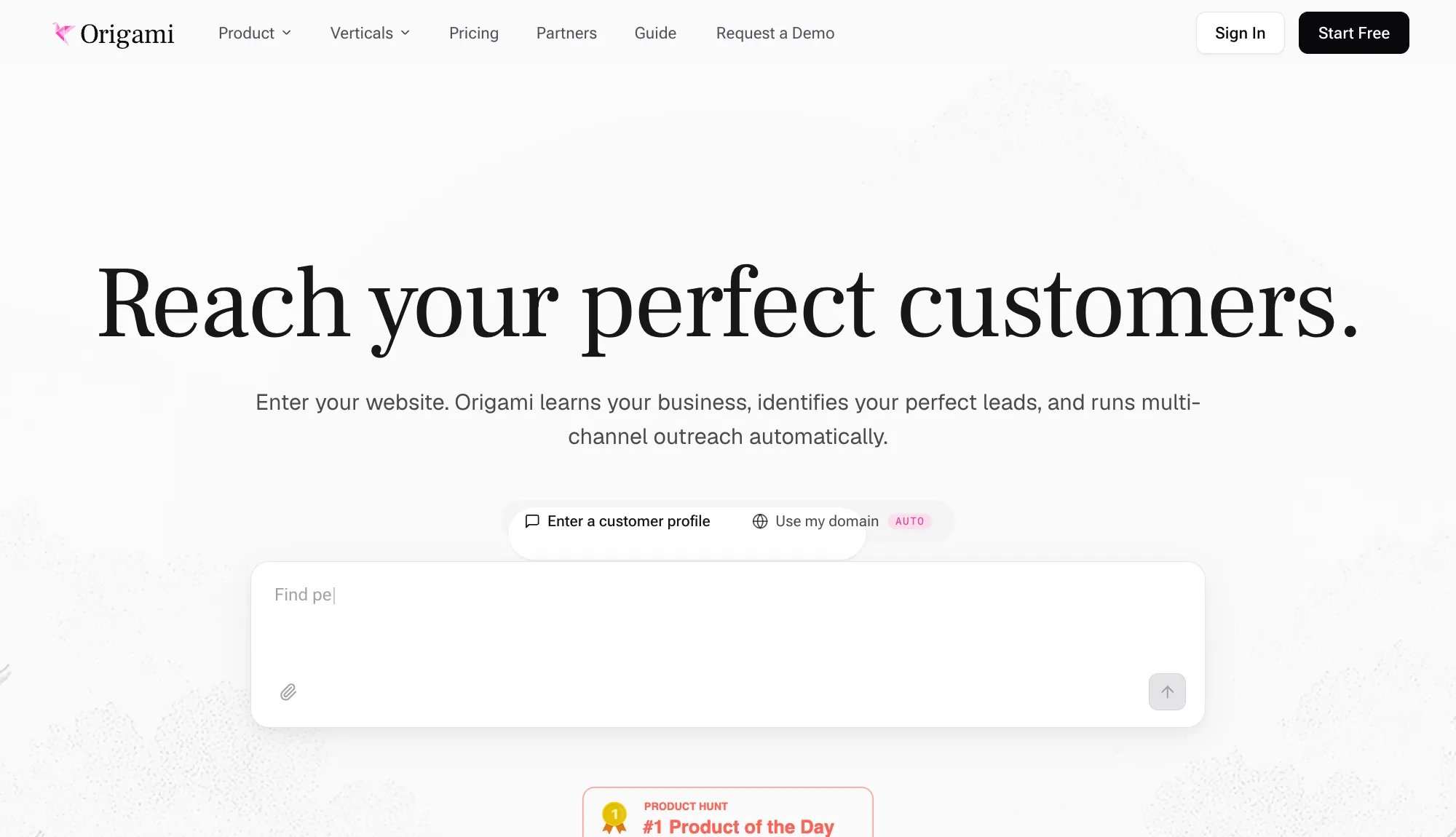
Origami takes the opposite approach to a workflow builder. You enter your website, its research agents learn your business, crawl the live web for leads with buying intent, and run multi-channel outreach on their own.
Credits pay for leads, verified contacts, and enrichments. Agent conversations and exports are free, and every paid plan includes unlimited team members.
What it does well
-
Web research beyond databases: Agents find leads that structured databases miss.
-
Outreach included: The email and social sequencer is free on any paid plan.
-
Cheap paid entry: Starter costs $29 a month.
Where it falls short
-
The free tier is a demo: 1,000 one-time credits, 30 rows per table, no export or enrichment.
-
The good model costs more: Starter runs the Lite research model. The full Max model starts on the $129/mo Pro plan.
Pricing: Free trial tier (1,000 one-time credits). Starter $29/mo, Pro $129/mo, Scale $499/mo.
How to Choose the Right Tool
Start with the job, not the tool.
-
Your leads are already in a spreadsheet and you need firmographic and research data: GPT for Work.
-
You need verified emails and phone numbers above all else: FullEnrich for volume, BetterContact to start cheap, LeadMagic to run it through an API.
-
You need to build lists from scratch: Apollo if you also want outreach, Cognism for Europe and phones, ZoomInfo if you are an enterprise, Lusha if you are one rep.
-
You want automation, not a tool you operate: Gumloop to build it, Origami to delegate it.
Two things are worth checking before you pay for any lead enrichment tool. First, what a phone number actually costs, since every credit-based tool here charges 5 to 150 times more for phones than emails. Second, what happens to unused credits, since rollover rules differ on every plan.
Conclusion
Clay earned its position by doing four jobs in one product. The reason to leave it is rarely that it does them badly. It is that you are paying, in money and learning time, for three jobs you do not have.
Every tool here has a free tier or trial except Gumloop and the sales-led platforms, so the cheap move is to test the one that matches your job before committing to anything annual.
If your job is enrichment and your leads live in a spreadsheet, start there: install GPT for Work and run a web search prompt down your real list.
FAQs
What is Clay used for?
Clay is a table-based platform for lead enrichment and outbound workflows. Its two signature features are waterfall enrichment, which queries 150+ data providers in sequence until one returns a match, and Claygent, an AI agent that researches companies on the live web.
Why do people look for Clay alternatives?
Two reasons come up most: pricing and learning curve. Clay meters usage in two currencies, actions and data credits, which makes monthly spend hard to predict, and the first paid plan starts at $167/mo billed annually. The table builder also takes real time to learn before it pays off.
What is waterfall enrichment?
Waterfall enrichment queries multiple data providers in sequence for each contact, stopping at the first verified match. Because no single provider covers everyone, cascading through 15 or 20 of them finds more emails and phone numbers than any one database. FullEnrich, BetterContact, and LeadMagic specialize in it.
Can I do lead enrichment directly in Google Sheets or Excel?
Yes. GPT for Work runs bulk web search in both Google Sheets and Excel, filling in research data like industry, size, and news at up to 1,000 rows per minute, with no export into a separate table tool. For verified emails and phone numbers, pair it with a waterfall tool like FullEnrich or BetterContact.
How much does it cost to enrich 5,000 leads?
For one research column, like industry: about $334 in Clay, which is two months of its entry plan's credits in the best case. In GPT for Work, about $40 on a subscription. At 10 columns the gap widens: $2,125 a month in Clay against about $400 in GPT for Work. Verified emails and phone numbers are priced differently — check the waterfall tools for those.
What is the best free Clay alternative?
It depends on the job. GPT for Work installs free with starting credits for spreadsheet enrichment. FullEnrich and BetterContact each start with 50 free credits for contact finding. Apollo's free plan includes 900 credits a year plus basic sequences. Clay's own free plan exists too, but caps tables at 200 rows.