Every team has that one block of work nobody wants to do. Tagging 300 support tickets before lunch. Copying CRM data into a spreadsheet because two apps refuse to talk to each other. Translating product descriptions one row at a time. It follows the same pattern every single time, but someone still sits there clicking through every step.
This is exactly the kind of work AI task automation tools handle now. Not the experimental, prompt-and-pray kind from two years ago. These tools run repeatable tasks across thousands of records, connect to apps your team already uses, and work without a developer setting things up.
But not every AI automation tool does the same thing. Some connect apps and trigger workflows between them. Some process large datasets row by row. Some help you write and research one task at a time. Picking the wrong category wastes money and months.
What matters is where your data lives, how much of it you need to process, and whether your team can own the setup without engineering help.
This article breaks down 10 AI automation tools for 2026, sorted by what each one actually does well.
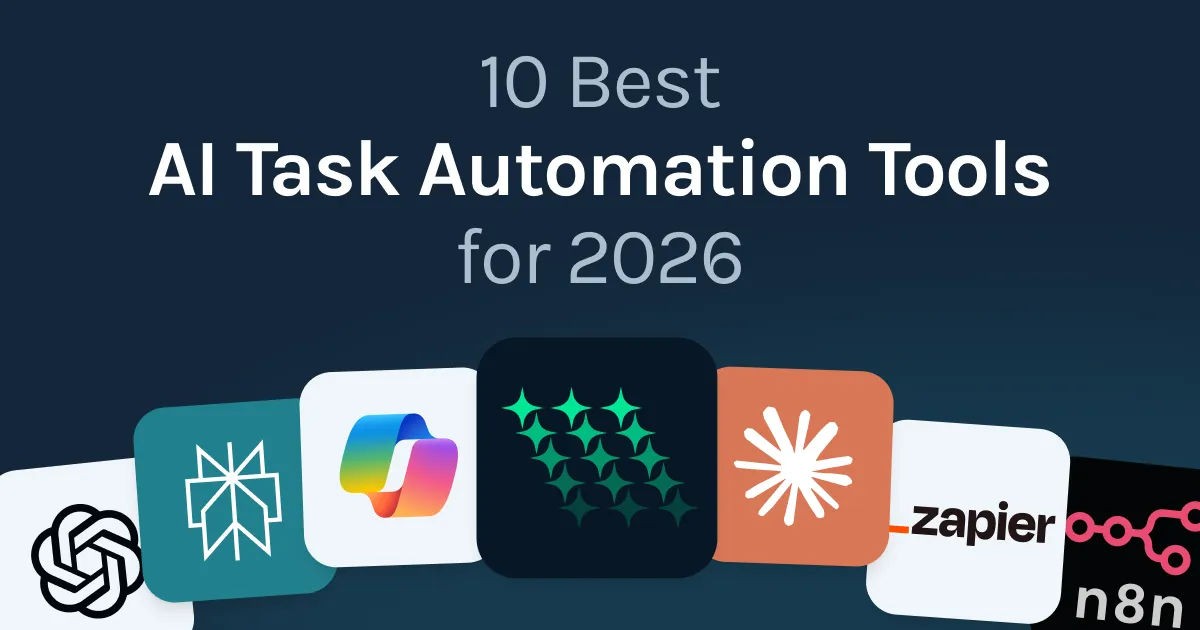
Quick overview: Best AI Task Automation Tools
Tool | Best For | Pricing |
|---|---|---|
GPT for Work | AI agent for bulk automation inside Excel and Google Sheets | Free to start. Plans from $25/month |
Zapier | Connecting 8,000+ apps with AI-powered workflow steps | Free tier. Paid from $19.99/mo |
Make | Visual workflow automation with complex branching logic | Free tier. Paid from $9/mo |
n8n | Self-hosted automation with full infrastructure control | Self-hosted free. Cloud from EUR24/mo |
Microsoft Copilot | Native AI inside the M365 suite | Standard access with eligible M365 plans. Full experience $30/user/mo add-on |
Claude | Complex analysis, long documents, and detailed writing | Free tier. Pro $20/mo |
ChatGPT | General-purpose AI tasks and one-off work | Free tier. Plus $20/mo |
Notion AI | Knowledge work and documentation inside Notion | Business plan $20/user/mo |
Perplexity | AI-powered research with real-time web citations | Free tier. Pro $20/mo |
Bardeen | Browser-based automation and web scraping without code | Free tier. Pro from $20/mo |
1. GPT for Work: Best for AI automation inside Excel and Google Sheets
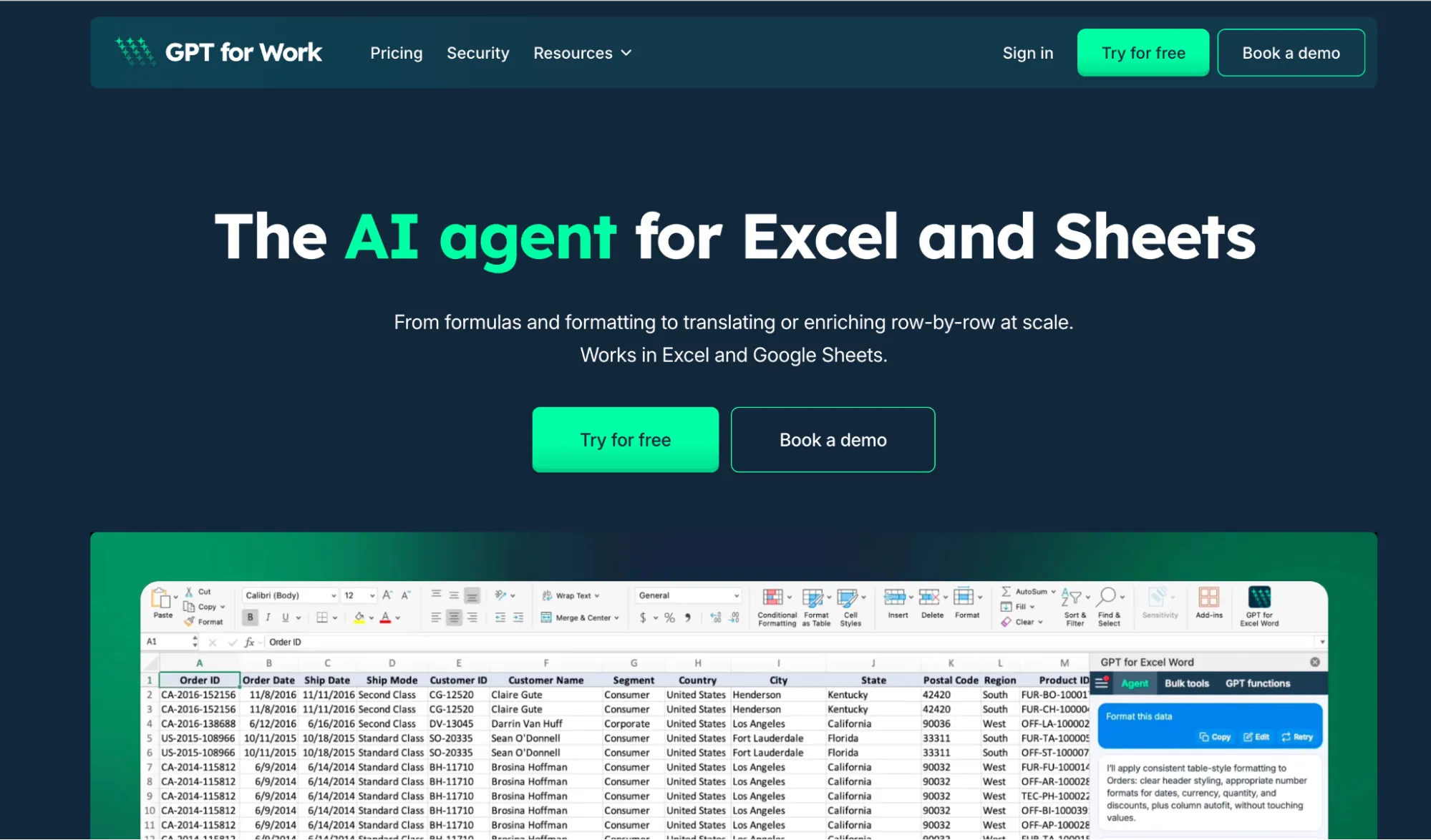
Best for: Running AI across thousands of spreadsheet rows without leaving Excel or Google Sheets.
GPT for Work is an AI agent built into your spreadsheet. Not a chatbot you upload files to. Not an app you switch to. It works directly inside Microsoft Excel and Google Sheets, where your data already sits.
Open the chat panel and describe what you need in plain language. Translate your entire product catalog into six languages. Clean a messy column of company names. Build a pivot table. Write a formula. Create a chart. Fix errors across tabs. The agent reads your spreadsheet, figures out what to do, and executes it. One prompt, done.
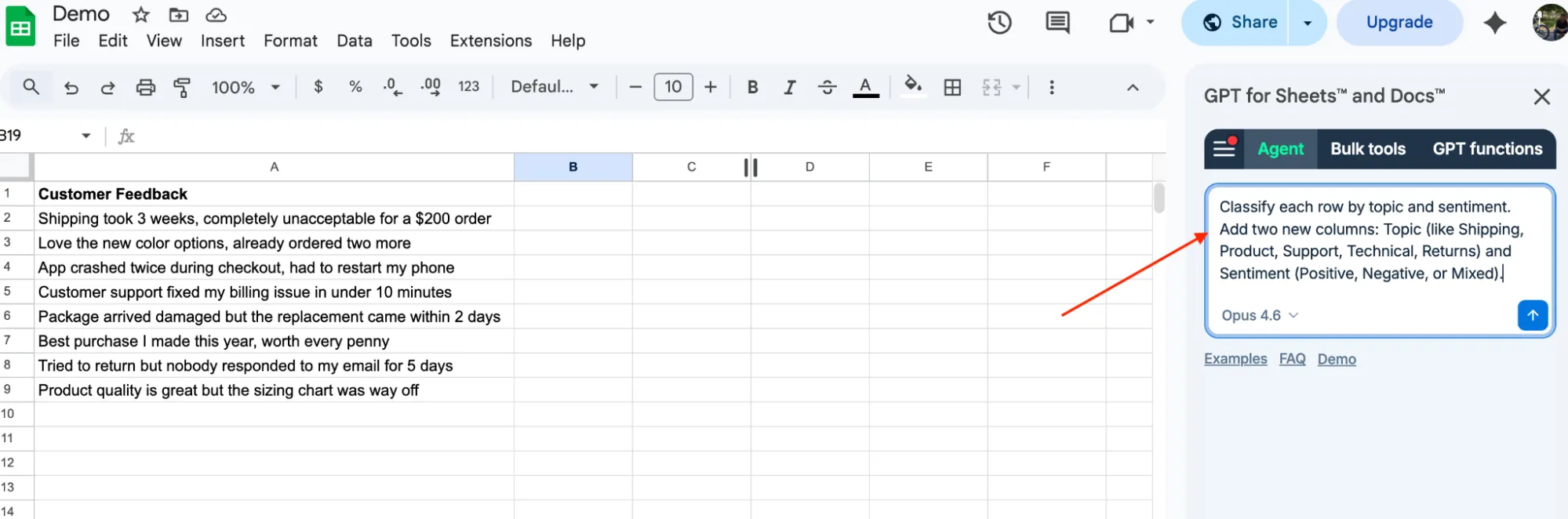
Bulk processing is where it pulls ahead. You describe the task once, the agent builds the right prompt template, and runs it across every row. Up to 1,000 rows per minute. Hundreds of thousands of rows per run on Sheets, up to 1 million on Excel.
You pick the AI model behind it. OpenAI, Claude, and more. The agent can also auto-select the right model for your task. Bring your own API keys if you prefer.
Plans from $25 a month with usage included, and your whole team shares one extra-usage balance when you need more. ISO 27001 certified, GDPR compliant, zero data retention. 7M+ installations, 4.9 rating on Google Workspace Marketplace.
Works in both Excel and Google Sheets. Most competitors only support one. GPT for Work has a dedicated add-on for each: GPT for Sheets and GPT for Excel.
Pricing: Subscription plans from $25/month with included usage. Free to install, free credits to start, no card required.
Install: gptforwork.com/install
2. Zapier: Best for connecting apps with AI steps
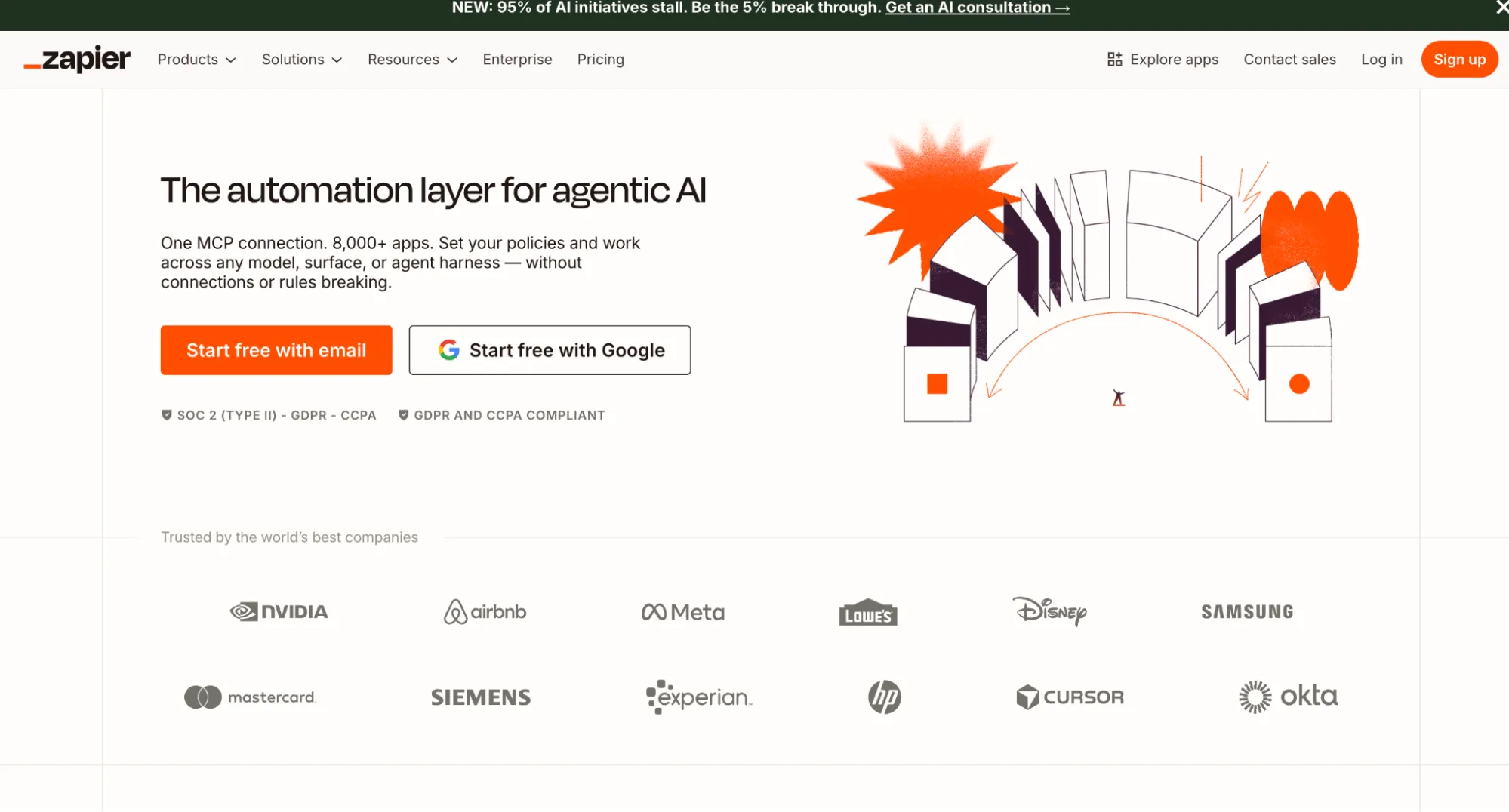
Best for: Automating multi-step workflows between cloud apps, with AI filters and transforms in the middle.
Zapier connects over 8,000 apps and lets you build automated workflows triggered by events in one app that cause actions in another. A new lead fills out a form. Zapier pulls the submission, sends it through an AI model to score the lead, writes the result to your CRM, and pings your sales team on Slack. No code, no developer needed.
In 2024 and 2025, Zapier added AI steps to its workflow builder. You can now have a workflow extract data from an email, pass it through an AI model to classify or summarize it, and push the result to a spreadsheet or CRM. This makes it a solid AI automation tool for repetitive decisions: routing leads by intent, tagging support tickets before they hit your inbox, or summarizing meeting notes and posting them to Slack.
Zapier works best for linear, event-driven workflows between apps. It is not built for processing large datasets in bulk or running AI across thousands of rows in a spreadsheet. If your work is mostly app-to-app triggers, Zapier handles it well. If your work lives inside a spreadsheet, you need a different tool.
Pricing: Free tier available (100 tasks/month). Paid plans from $19.99/month (billed annually).
3. Make: Best for visual workflow automation with complex logic
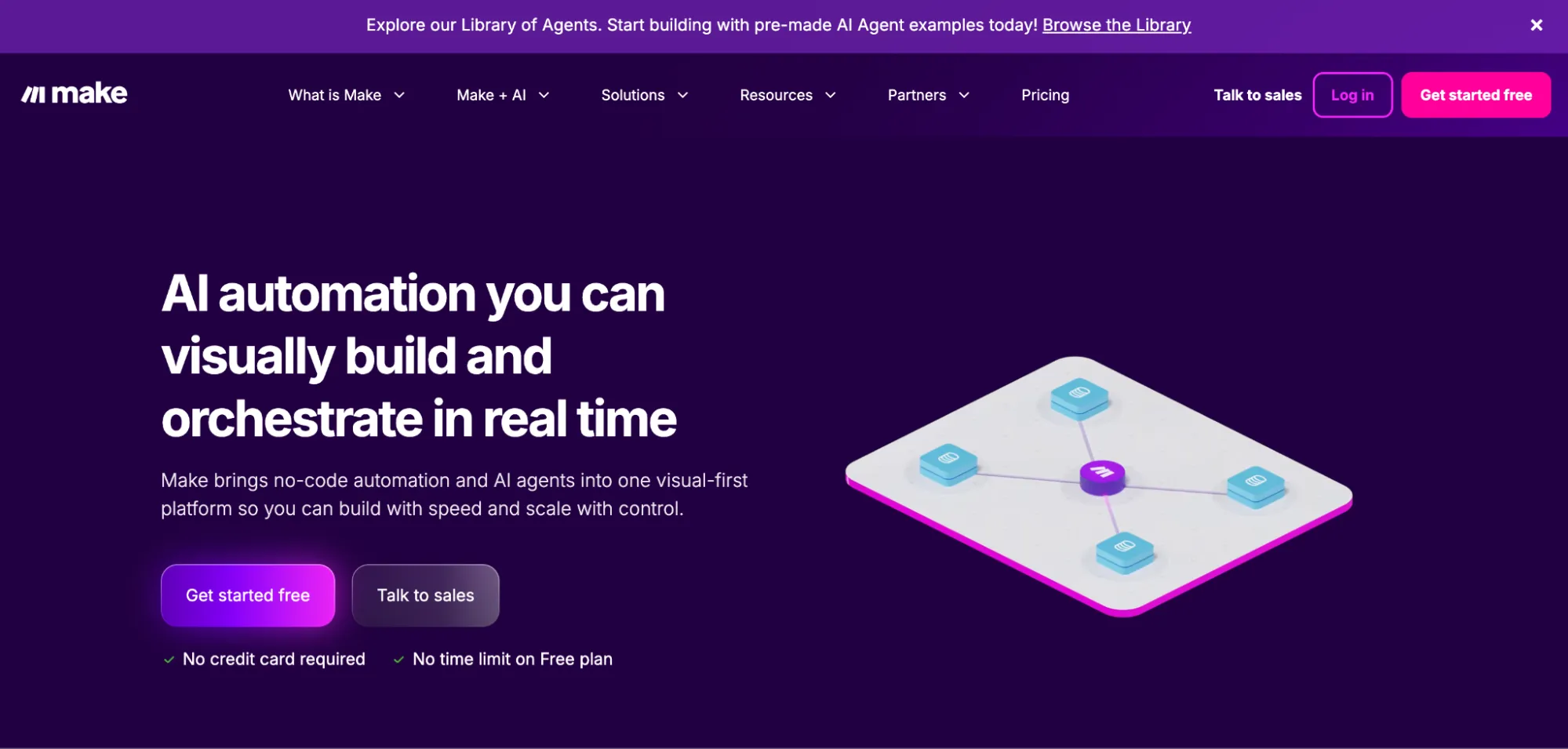
Best for: Teams that need visual, multi-branch automation with more flexibility than Zapier's linear model.
Make uses a drag-and-drop canvas to build automation workflows. You connect modules representing apps, filters, and logic branches, then wire them together. Where Zapier runs workflows in a straight line, Make lets you build branches. Route inbound support emails based on sentiment. Send negative ones to a senior rep. Log feature requests in your product backlog. Archive spam. One workflow handles all three paths.
Make connects to 3,000+ apps and supports AI modules for OpenAI, Claude, and Gemini, so you can plug an LLM step into any workflow. Classify form submissions, enrich CRM records, or generate content before it gets written to a database.
The trade-off is a steeper learning curve. The visual canvas is powerful but takes time to learn. Make fits operations teams who will invest in configuration, not individuals who want something running in an hour.
Pricing: Free tier available (1,000 operations/month). Paid plans from $9/month (billed annually).
4. n8n: Best for self-hosted or open-source automation
Best for: Engineering-led teams that want full control over their automation infrastructure, including where data is processed.
n8n is a workflow automation platform you can self-host or run on their cloud. The self-hosted Community Edition is free with unlimited executions and 500+ integrations. Your data stays on your servers. Nobody else sees it.
What sets n8n apart from Zapier and Make is flexibility for technical teams. It supports AI agent nodes using LangChain, so you can build multi-step reasoning workflows, RAG pipelines, tool-calling agents, or chained AI prompts as part of a larger automation. It also lets you drop custom JavaScript or Python into any workflow when the built-in nodes are not enough.
The trade-off is setup time. Getting n8n running with custom AI nodes takes engineering work. Self-hosting means managing your own server, database, updates, and backups. If your team does not have a developer who can own this, n8n will slow you down instead of speeding you up.
Pricing: Self-hosted Community Edition is free. Cloud plans from EUR24/month (2,500 executions).
5. Microsoft Copilot: Best for Microsoft 365 users who want native AI
Best for: Organizations already on Microsoft 365 who want AI inside Word, Excel, Outlook, and Teams without adding new vendors.
Microsoft Copilot is built into the M365 suite. In Outlook, it summarizes threads and drafts replies. In Word, it generates first drafts. In Teams, it transcribes meetings and pulls out action items. In Excel, Copilot can write formulas, build pivot tables, format data, and create charts from plain language instructions.
The convenience is real if your company already pays for M365. No new app to install. No new vendor to approve. The limitations in Excel matter, though. Copilot cannot process data row by row across thousands of rows. You cannot pick your AI model. There is no bulk workflow where you describe a task once and run it across an entire column. Files must be saved to OneDrive with AutoSave on, or Copilot will not work at all. For one-off help inside a spreadsheet, Copilot is fine. For repetitive AI task automation across large datasets, it hits a wall fast.
It only works in Excel. If your team uses Google Sheets, Copilot is not an option.
Pricing: Standard access to Copilot in the apps comes with Copilot Chat-eligible M365 business and enterprise plans, subject to service capacity. The full experience — priority access, advanced reasoning, and model choice — requires the $30/user/month Microsoft 365 Copilot add-on on top of a qualifying M365 plan.
6. Claude: Best AI assistant for complex analysis and writing
Best for: Research-heavy tasks, long documents, detailed content drafting, and complex reasoning.
Claude(Anthropic) is one of the strongest AI models for reading, reasoning, and writing across long context windows (up to 1 million tokens on higher plans). If you need to analyze a 200-page report, draft a detailed proposal, reason through a legal contract, or write code, Claude handles it well.
Claude is available at claude.ai, through an API for developers, and as a model option inside third-party tools like GPT for Work. It also now offers Claude for Excel and Claude for Chrome, plus Cowork for agentic desktop tasks.
Claude is an AI assistant, not an automation tool. You work with it one conversation at a time. It cannot connect to other apps, trigger workflows, process thousands of rows in a spreadsheet automatically, or schedule recurring runs. For one-off research and writing, it is excellent. For repeatable, high-volume work, you need something built for that.
Pricing: Free tier available. Pro at $20/month. Max plans from $100/month.
7. ChatGPT: Best for general-purpose AI tasks and one-off work
Best for: Ad hoc text generation, quick data analysis, code help, and exploratory AI work.
ChatGPT is the most widely used AI assistant. For drafting emails, analyzing a CSV, explaining a concept, debugging code, or writing a one-off script, it is fast and capable. With Advanced Data Analysis, you can upload a file and have ChatGPT analyze it, generate charts, or write and run code right in the browser.
OpenAI has also added Canvas for collaborative writing and coding, Deep Research for longer investigations, and Operator for agentic browser tasks. The models keep getting better, but the core limitation for AI automation has not changed. You cannot schedule runs, process large volumes of data automatically, or write results directly to another system. Every task starts and ends inside a chat window.
For quick, one-off work, ChatGPT is hard to beat. For repeatable work across hundreds or thousands of records, it is not the right fit.
Pricing: Free tier available. Plus at $20/month. Pro at $200/month.
8. Notion AI: Best for automating knowledge work inside Notion
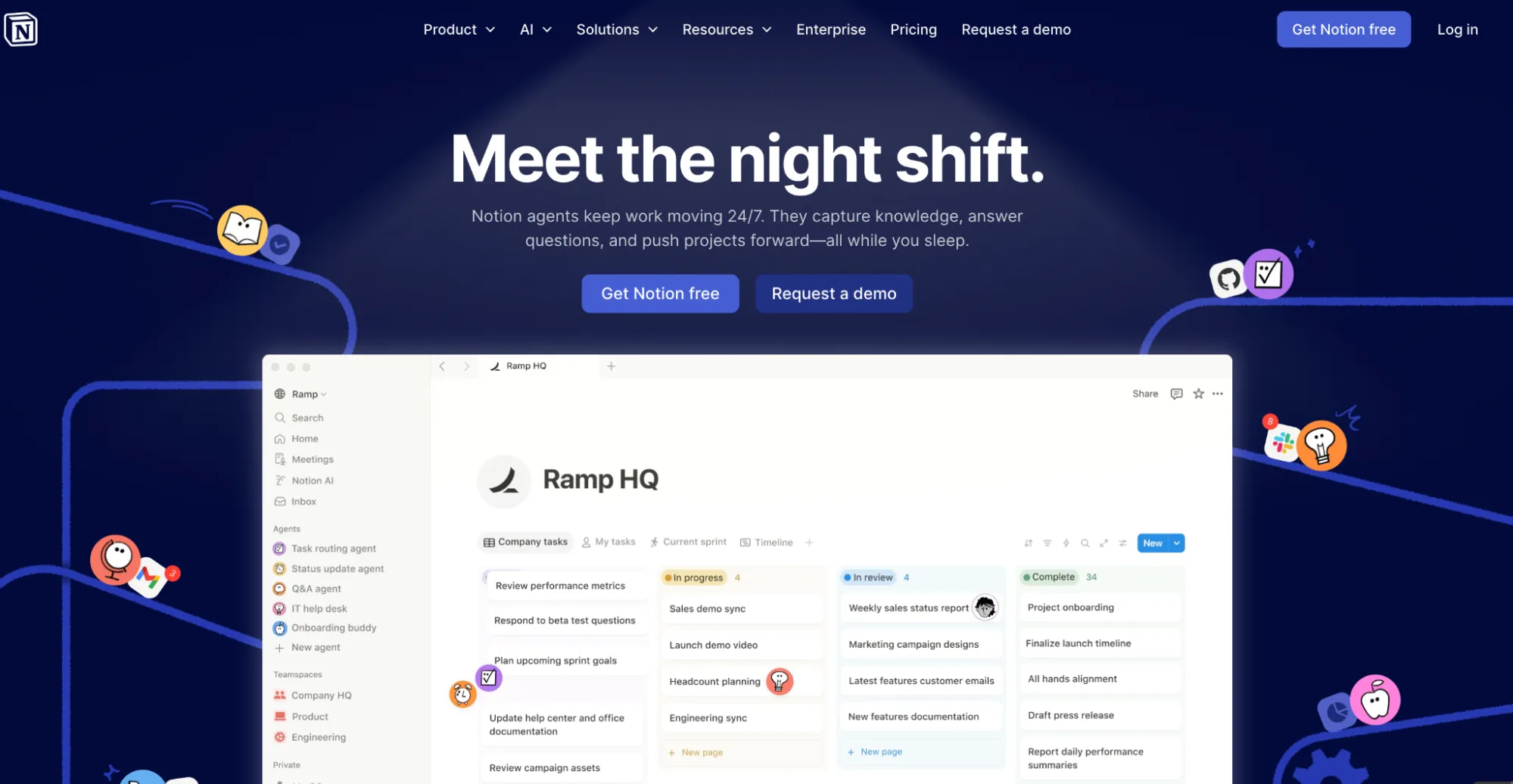
Best for: Teams that live in Notion and want AI for writing, summarization, and database work within their workspace.
Notion AI is built into the Notion workspace. It can auto-fill database properties, summarize meeting notes, draft project briefs, translate content, and answer questions across your pages, wikis, and connected tools like Slack and Google Drive. Custom Agents run on schedules or triggers inside Notion, handling multi-step tasks without manual input. And the newer Notion Mail uses AI to draft, schedule, and organize your inbox directly within the workspace.
Notion AI works well if your team already runs everything in Notion. It does not connect to external tools, process large external datasets, or run outside the Notion workspace. If your work lives somewhere else, this does not help.
Pricing: Full AI access requires the Business plan at $20/user/month. Custom Agents use separate Notion credits starting May 2026.
9. Perplexity: Best for AI-powered research and real-time information
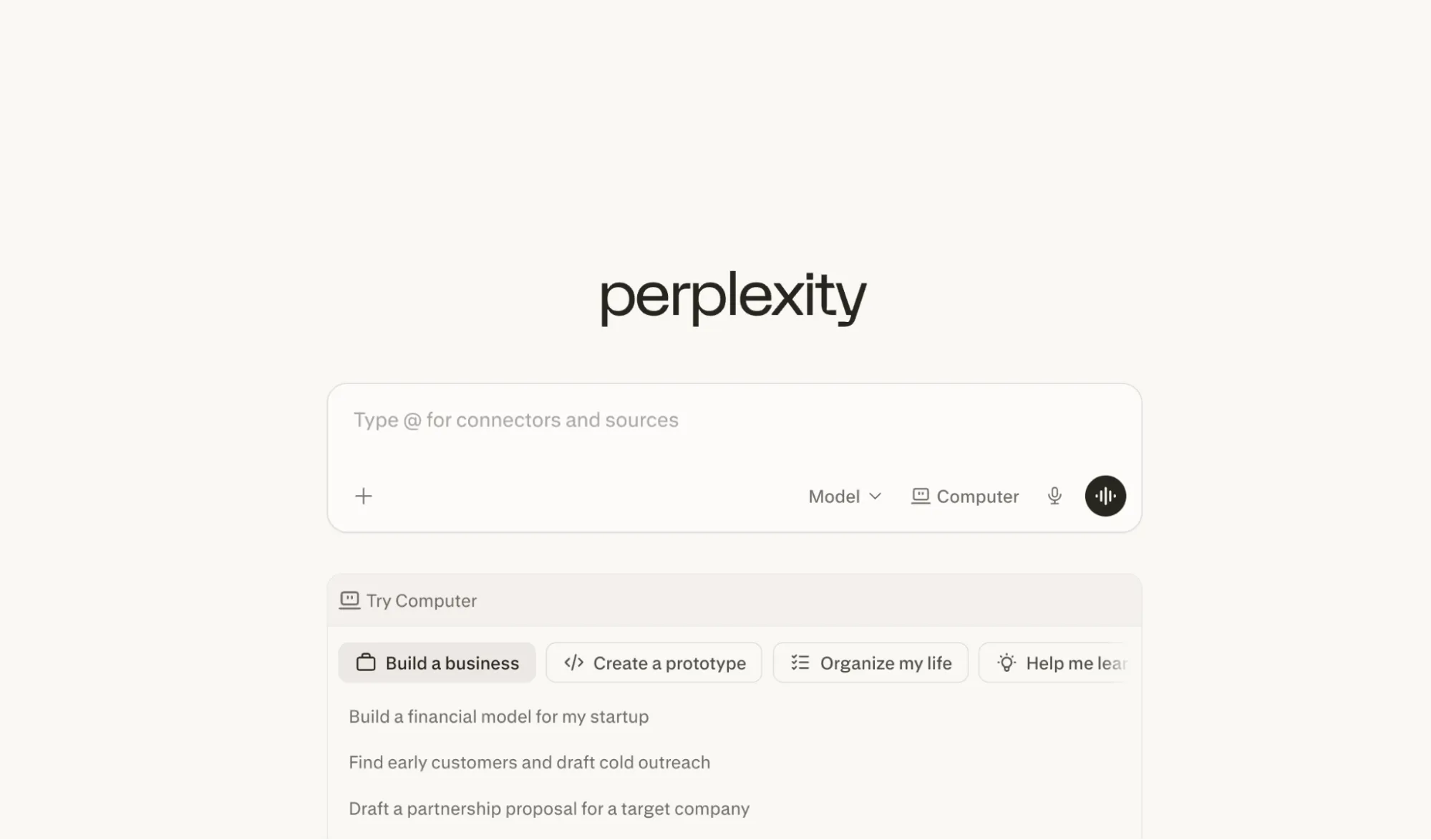
Best for: Research tasks that need up-to-date information from the web, with citations.
Perplexity started as an AI search engine that pulls current information from the web and delivers answers with source citations. For researchers, analysts, or content teams who need accurate, current data, it is more reliable than asking an LLM that does not know what happened last week.
In February 2026, Perplexity launched Computer, a multi-model AI agent that goes well beyond search. You describe an outcome and Computer breaks it into tasks, assigns each to the best model (Claude for reasoning, Gemini for research, Grok for speed), and runs them in the background. It can build reports, generate datasets, create websites, and execute multi-step workflows that run for hours without you touching anything. A Personal Computer version runs locally on a Mac mini for long-running autonomous tasks, like spending six hours building a competitor database or monitoring data sources around the clock.
For individual research, Perplexity is excellent. Computer pushes it toward agentic AI automation, though it is still early and only available on the $200/month Max plan.
Pricing: Free tier available. Pro at $20/month. Max (includes Computer) at $200/month.
10. Bardeen: Best for browser-based automation without code
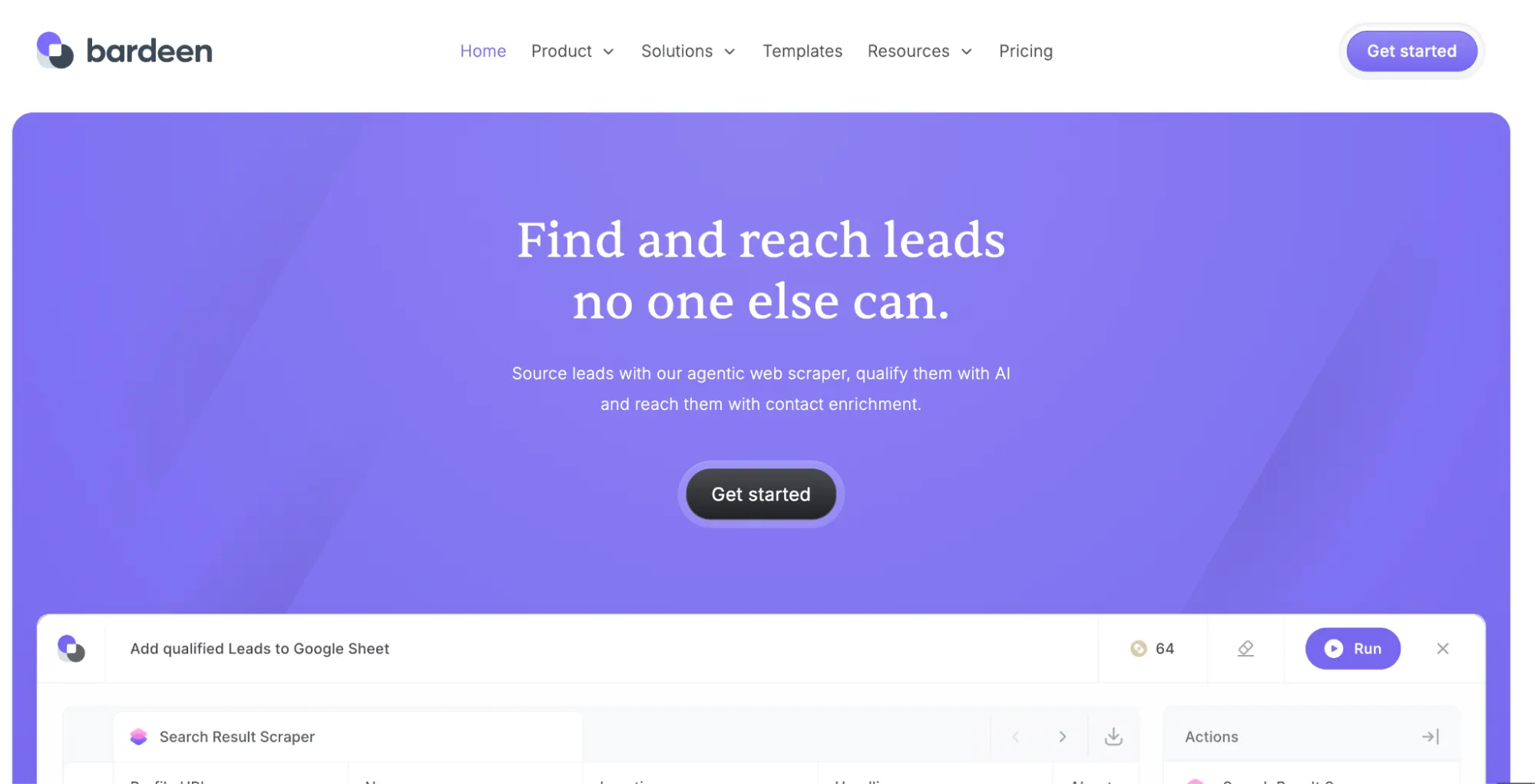
Best for: Automating tasks that happen in a web browser, like scraping data from websites, filling forms, or triggering actions across web apps.
Bardeen is a Chrome extension that automates repetitive browser tasks. Scrape leads from LinkedIn, extract data from web pages, auto-fill forms, and move data between web apps. Bardeen AI Agents can detect what you are doing in the browser and suggest actions, like moving a LinkedIn profile to your CRM without you lifting a finger. You can also describe what you want in plain language and the agent builds the automation for you.
Bardeen has leaned heavily into sales and GTM workflows in 2026, with playbooks for lead sourcing, enrichment, and outreach. It connects to tools like Google Sheets, Slack, Notion, and CRMs.
The core trade-off has not changed. Bardeen runs in your browser, so your browser must be open. If your laptop sleeps, the automation stops. Website layout changes break flows. It works best for personal productivity and small-team workflows, not production-grade automation at scale.
Pricing: Free tier available (200 credits/month). Pro from $20/month.
Which tool is right for your team?
Skip the comparison. Start with your situation.
Your data lives in spreadsheets and you need to run AI across hundreds or thousands of rows (translating, categorizing, extracting, cleaning, generating): GPT for Work is the only tool that handles bulk AI processing natively inside both Excel and Google Sheets, with model choice and subscription plans that include monthly usage plus optional extra-usage credits.
You need to connect multiple apps and trigger automated workflows between them: Zapier for straightforward app-to-app triggers, Make if your workflows need branching logic, n8n if your engineering team wants full control and self-hosting.
Your team runs on Microsoft 365 and you want AI without adding new vendors: Microsoft Copilot covers one-off help inside Word, Excel, Outlook, and Teams. Not bulk work.
You need AI for ad hoc writing, research, or analysis: Claude for long, complex documents. ChatGPT for quick, general-purpose tasks. Perplexity for research that needs current web data with citations.
You automate work inside a specific app: Notion AI if your team lives in Notion. Bardeen if the task happens in a browser tab.
FAQs
What is AI task automation?
Using AI to handle repeatable work that follows a pattern. Classifying feedback, translating product pages, extracting data, scoring leads, generating content. You describe what you need and the AI runs it across your data instead of you doing each task by hand.
Can I automate tasks with AI without coding?
Yes. GPT for Work, Zapier, Make, and Bardeen are all no-code. You describe what you want in plain language or set up triggers through a visual interface. n8n is the one exception that needs a developer.
What is the difference between AI assistants and AI automation tools?
AI assistants like Claude and ChatGPT work one conversation at a time. You ask, get an answer, move on. AI automation tools run tasks at scale without you sitting there. The assistant helps you think. The automation tool does the work.