Check which Microsoft account you're using
To check which Microsoft account you are using in GPT for Excel:
-
Open a Microsoft Excel workbook.
-
On the ribbon, select Home > GPT for Excel Word.
 info
infoIf GPT for Excel Word is not visible on the ribbon, or if it's grayed out, select Home > Add-ins > My Add-ins > GPT for Excel Word. Learn more.
-
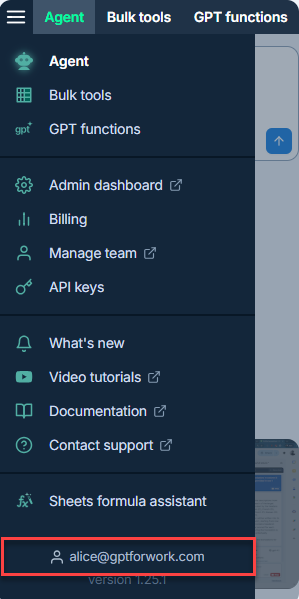
In the sidebar, open the main menu. Your account is displayed at the bottom of the menu.
What's next
- If needed, switch to another account.