Switch to another Google account
If the account currently used by GPT for Sheets is not the one you want to use, switch to another account:
Prerequisites
You have created a profile for each Google account in your web browser:
-
Open your web browser.
-
In the upper-right corner of the browser, click the profile icon.
-
Select the profile you want to use.
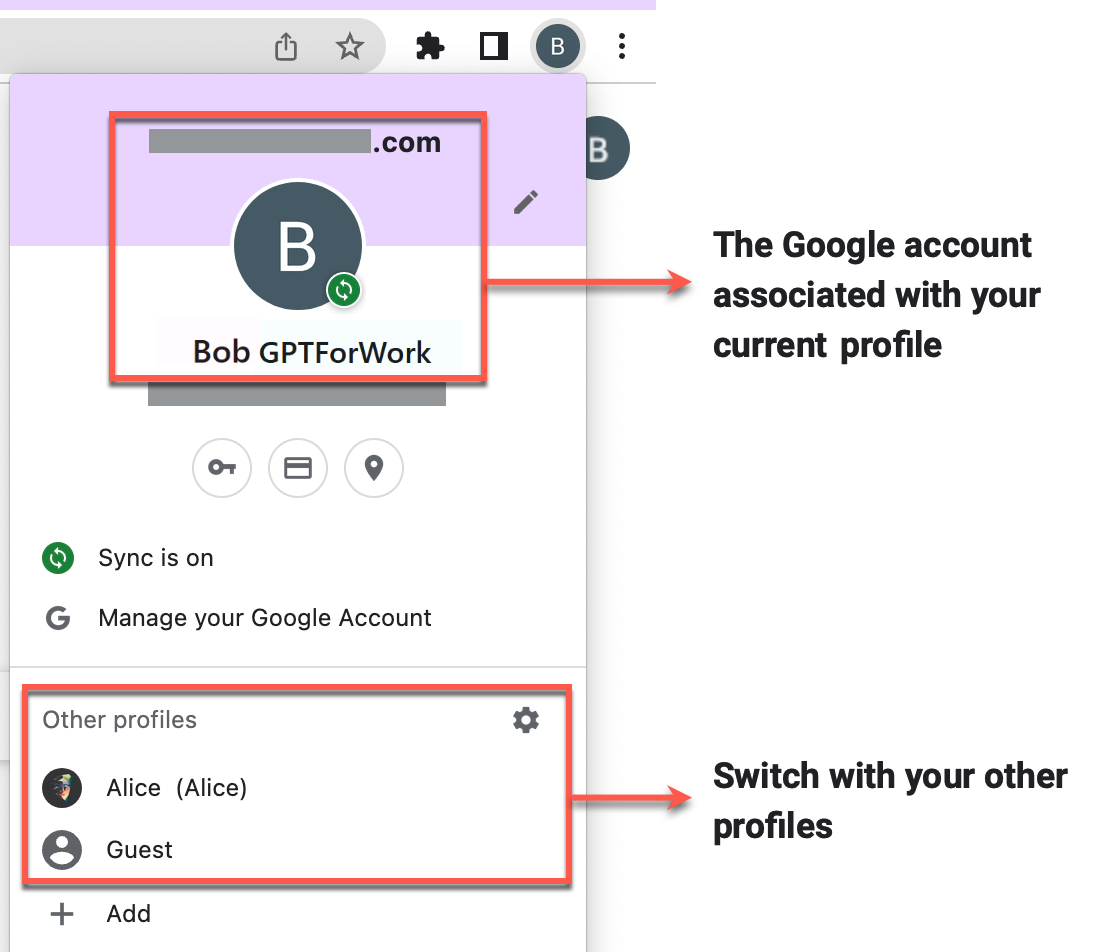
You have switched to another account. You can now launch and use GPT for Sheets with the new account.
tip
If you signed in with the wrong account during installation, contact support to request an account transfer.