Retry GPT formulas on error in GPT for Sheets
After troubleshooting GPT for Sheets errors, you can recalculate all GPT formulas in cells tagged with #ERROR! or #VALUE!.
In the sidebar, select GPT functions.
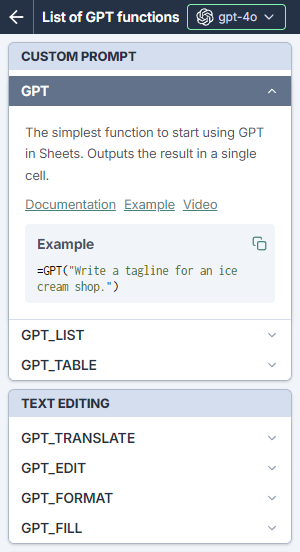
Check that the GPT formulas aren't disabled for your spreadsheet.
Note: To highlight the errors, click on X errors. This will help you identify the GPT formulas that need correction.
Click Retry errors.
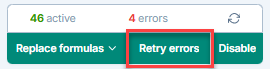
All GPT formulas that were on error in the current sheet are recalculated. If some errors persist, let us know by submitting a support request.
tip
Replace GPT formulas with their results in the selected cells to prevent any further recalculation.