Sign out from GPT for Excel and Word
To sign out from GPT for Excel and Word:
-
Open a Microsoft Excel workbook or Word document.
-
On the ribbon, select Home > GPT for Excel Word.
 info
infoIf GPT for Excel Word is not visible on the ribbon, or if it's grayed out, select Home > Add-ins > My Add-ins > GPT for Excel Word. Learn more.
-
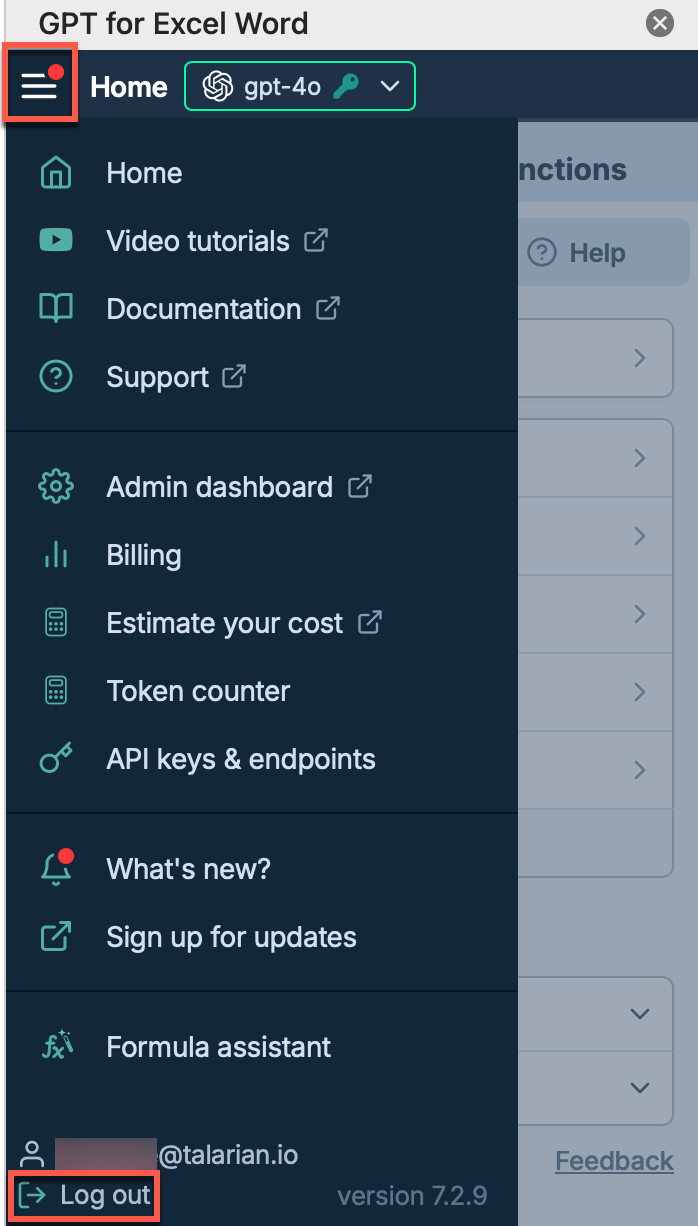
In the sidebar, open the main menu. Then, select Log out.
info
Signing out from GPT for Excel also signs you out from GPT for Word since they use the same Microsoft account session.
You have signed out from GPT for Excel and Word. You'll need to sign in again when you next launch the add-in.